


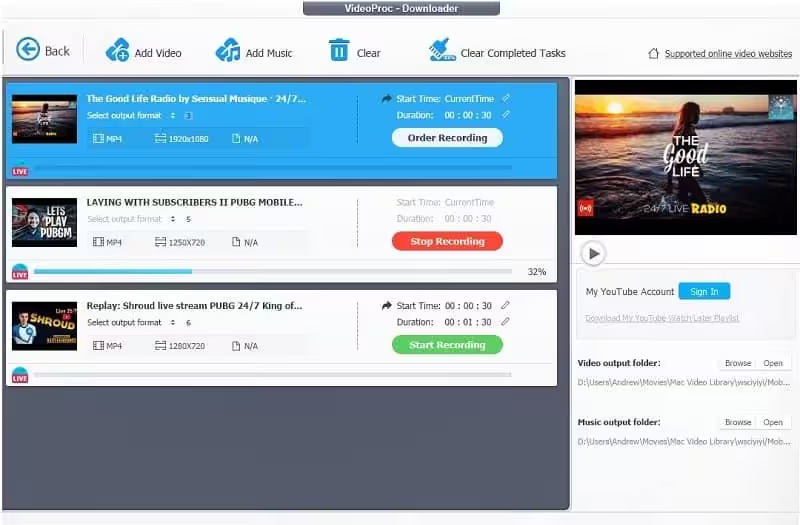
New video processing software designed to cut, trim, merge, adjust, transcode, and edit 4k video with full hardware acceleration. VideoProc achieves the record-setting “FIRST” in the video processing industry – crafting the easiest video editor, together with DVD video converter, downloader, and recorder at the core.
- Features
- Screenshots
- Whats new?
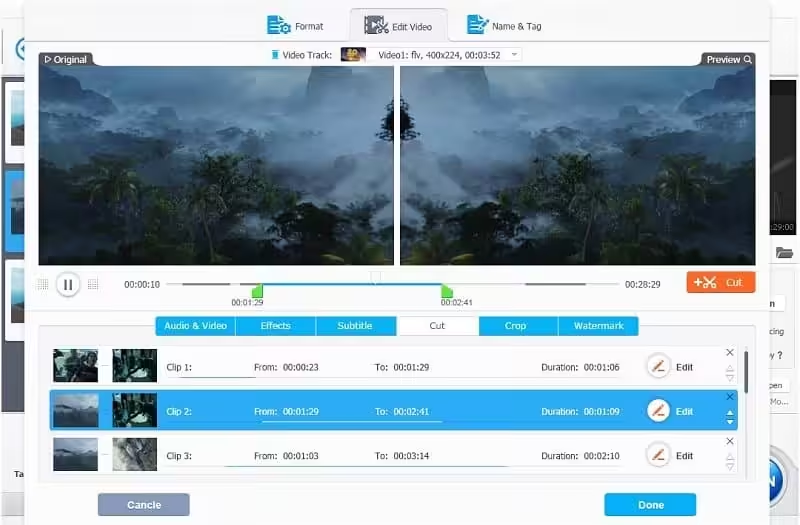
- Cut: By cutting, you can shorten a video, chop away unwanted segments, and rearrange clips in any sequence before uploading to YouTube and other UGC sites. A video file can be cut before any other editing operation, such as splitting.
- Crop: It lets you crop a video to eliminate black bars, remove distracting portions, zoom in, highlight the focal point, improve the image composition, or change the aspect ratio. On the flip side, you can expand the video to meet the aspect ratio requirements of YouTube uploading, widescreen playback, etc.
- Subtitle: VideoProc has diverse subtitle features: enable, disable, or export subtitle, choose subtitle (language) track, add (hardcode or softcode) external subtitle files (.ass, .ssa, .srt) to videos, search subtitles online for movies and TV episodes.
- Effect: It allows you to apply preset visual effects and filters, such as Grayscale, Mirror, Edge, Painting, and Sharpen, to your video tracks. Quickly molds to ratify and stylize your videos. Fine-tune colors, image brightness, contrast, hue, gamma, and saturation.
- Fixed some minor bugs





is this safe?