


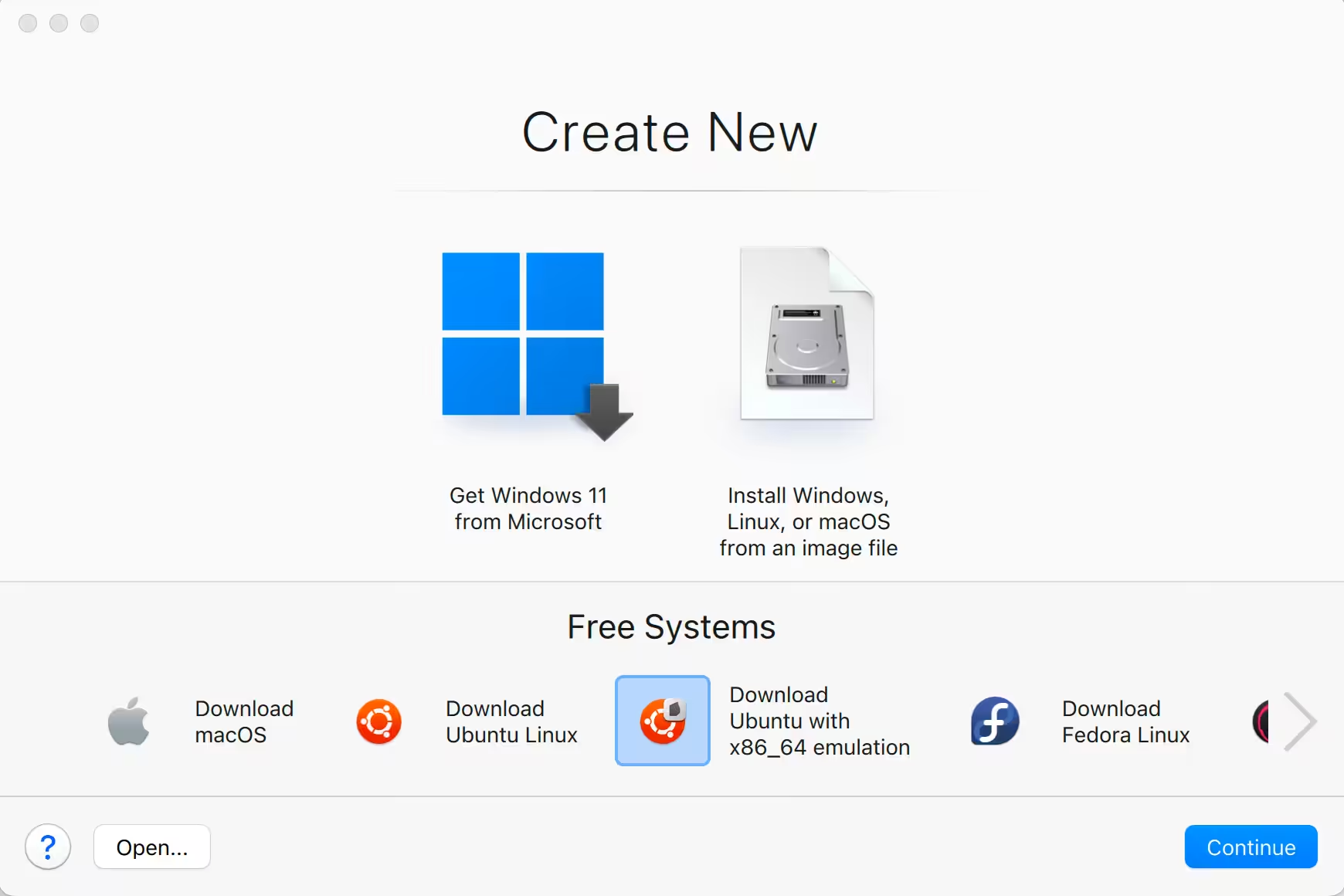
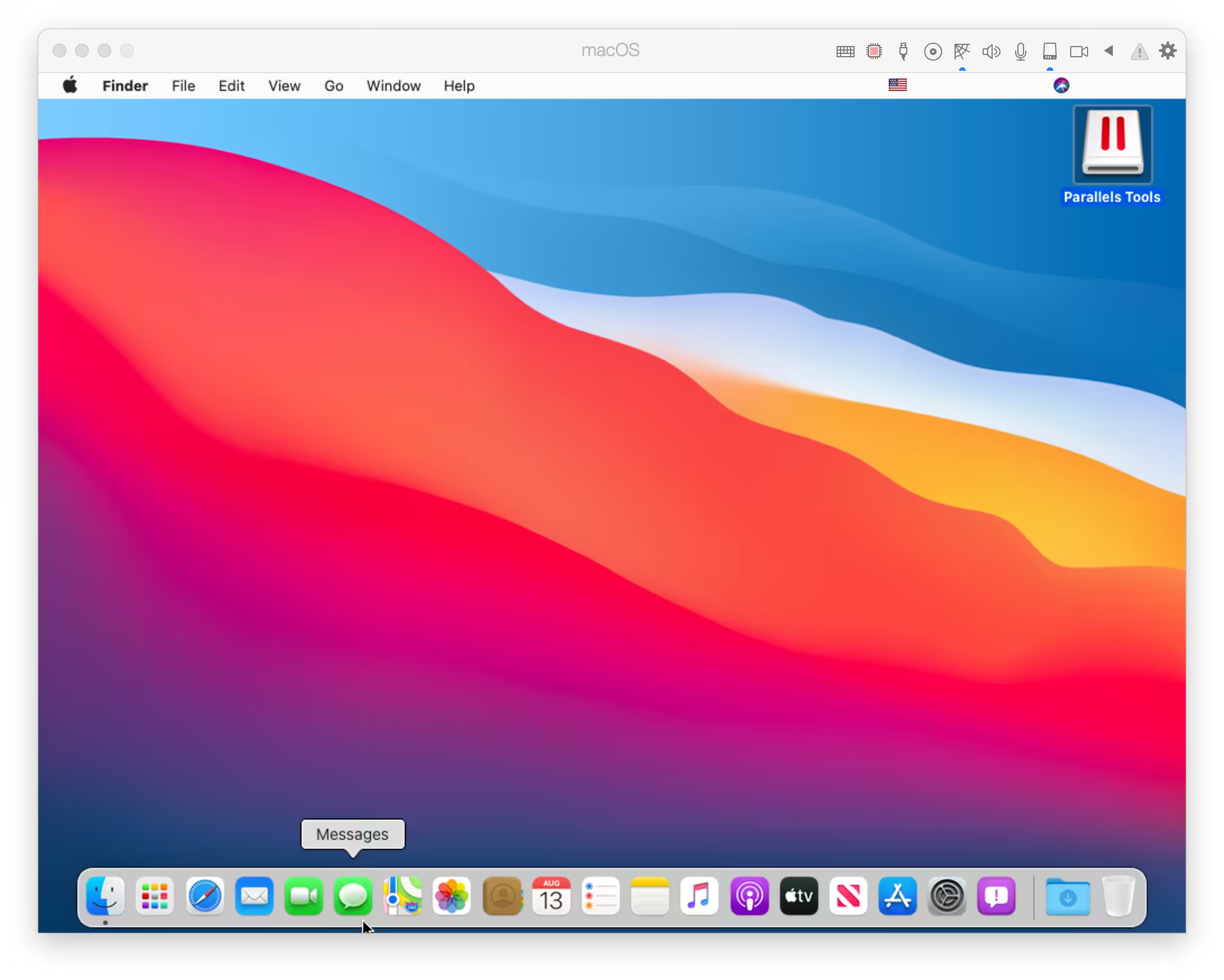
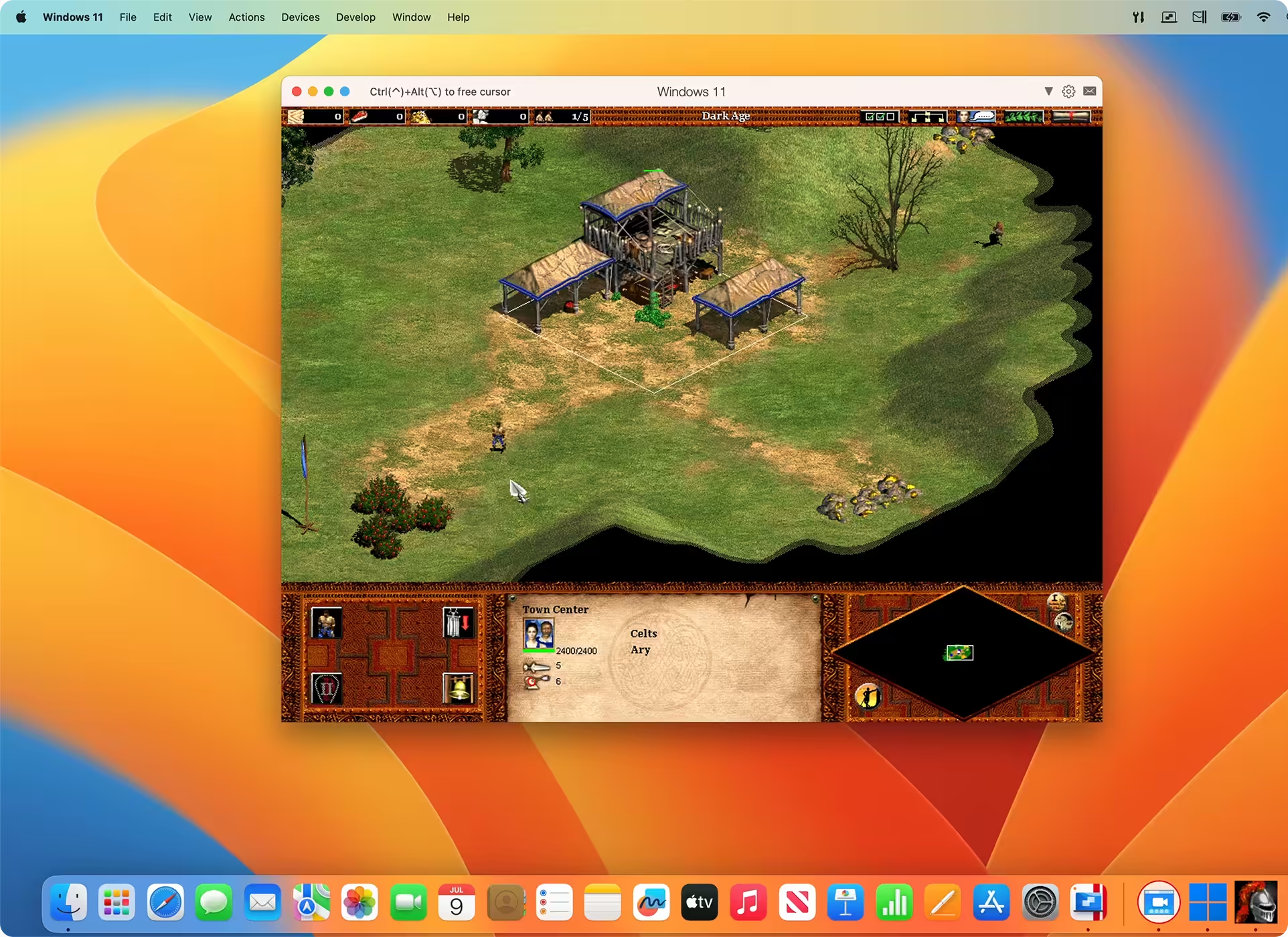
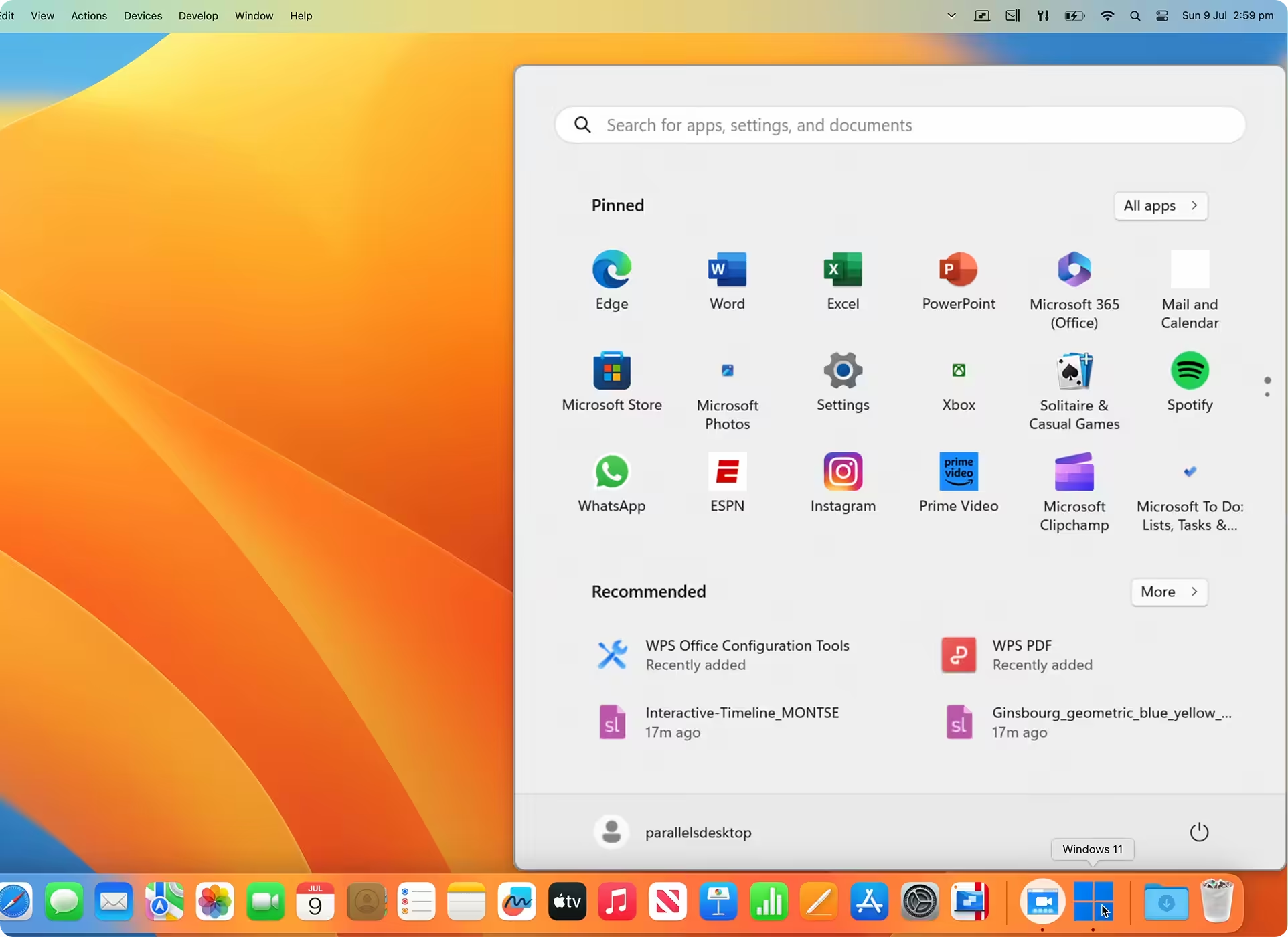
Parallels Desktop facilitates the simultaneous execution of Windows and Mac applications. Users can select a view that renders Windows applications invisible while retaining their functionality or maintain the familiar Windows interface and controls on their Mac. Whether you need to run Windows programs without Mac counterparts or are transitioning from a PC to a Mac and need to transfer data, Parallels Desktop provides comprehensive support.
- How to use
- Supported Operation Systems
- Features
- Screenshots
How to Crack Parallels Desktop 20
Install Parallels Desktop:
- Download Parallels Desktop
- Sign out of your account
- chmod +x install.sh && chmod +x Launch\ Parallels.command && sudo ./install.sh
- Double click Launch Parallels.command
You will always need to use this launcher as a workaround to prevent signature errors from occurring. However, if you are a developer with permission to use com.apple.vm.* or are willing to disable System Integrity Protection, there is a better approach available.
Operation not permitted
Enable System Preferences ▸ Privacy & Security ▸ Full Disk Access ▸ Terminal
Codesign error
Ensure xcode command line tools installed. Install it with using the command xcode-select –install.
Check installation with xcode-select -p, which will output /Library/Developer/CommandLineTools or /Applications/Xcode.app/Contents/Developer.
Hosts
You also wan’t to block Parallels Servers.
127.0.0.1 download.parallels.com
127.0.0.1 update.parallels.com
127.0.0.1 desktop.parallels.com
127.0.0.1 download.parallels.com.cdn.cloudflare.net
127.0.0.1 update.parallels.com.cdn.cloudflare.net
127.0.0.1 desktop.parallels.com.cdn.cloudflare.net
127.0.0.1 www.parallels.cn
127.0.0.1 www.parallels.com
127.0.0.1 www.parallels.de
127.0.0.1 www.parallels.es
127.0.0.1 www.parallels.fr
127.0.0.1 www.parallels.nl
127.0.0.1 www.parallels.pt
127.0.0.1 www.parallels.ru
127.0.0.1 www.parallelskorea.com
127.0.0.1 reportus.parallels.com
127.0.0.1 parallels.cn
127.0.0.1 parallels.com
127.0.0.1 parallels.de
127.0.0.1 parallels.es
127.0.0.1 parallels.fr
127.0.0.1 parallels.nl
127.0.0.1 parallels.pt
127.0.0.1 parallels.ru
127.0.0.1 parallelskorea.com
127.0.0.1 pax-manager.myparallels.com
127.0.0.1 myparallels.com
127.0.0.1 my.parallels.com
Parallels Desktop will uncomment these, therefore one needs to lock the hosts file:
sudo chflags uchg /etc/hosts && sudo chflags schg /etc/hosts
Unlock:
sudo chflags nouchg /etc/hosts && sudo chflags noschg /etc/hosts
OS download
You will not be able to download operating systems in the Control Center anymore. Comment these out to get this functionality:
# 127.0.0.1 download.parallels.com
# 127.0.0.1 desktop.parallels.com
# 127.0.0.1 download.parallels.com.cdn.cloudflare.net
# 127.0.0.1 desktop.parallels.com.cdn.cloudflare.net
Here’s the best way to crack Parallels 19 by Ion B:
- Completely close the program after installation.
- (Optional) Go to macOS settings, Privacy, and security, and allow the terminal full access to the file system and apps management.
- Open the Crack folder in the terminal.
- Enter the following command: chmod +x ./Install_Patch.command && sudo ./Install_Patch.command
- Follow the procedure as it’s pupping up in the terminal until it’s done.
Note: Run this before installing.
sudo xattr -rd com.apple.quarantine (Image path)
Note: You need to register & sign in before you block the outgoing connectIons and apply the serial.
After upgrading a Mac to Big Sur, the “Network initialization failed” message appears when starting a virtual machine.
- Shut down the virtual machine and quit Parallels Desktop.
- Open Terminal (Applications > Utilities > Terminal), copy and paste the following command, and press Enter:
sudo rm /Library/Preferences/SystemConfiguration/preferences.plist - When prompted, enter your Mac’s password and press Enter (Terminal doesn’t show the password you type).
- Perform the same for the command below and restart Mac afterward:
sudo rm /Library/Preferences/SystemConfiguration/NetworkInterfaces.plist
Mojave note: failed to install from the DMG-within-the-DMG, and after manually copying the hidden Parallels app to /Applications and making it visible with
chflags nohidden /Applications/Parallels\ Desktop.app
codesign –sign – –force –deep /Applications/Parallels\ Desktop.app
Then double-click the Parallels Desktop.app to install.
PS: if you get a detritus error, first execute the following before code-signing:
xattr -cr /Applications/Parallels\ Desktop.app
Fix the “Parallels is Damaged” error, when is installing, is because it tries to run the app before copying the Parallels Desktop.app to the application folder.
- Open Terminal type( it disables the security to allow install modified/cracked apps):sudo spctl –master-disable
- Enter your password
- Open the dmg downloaded and run the Install as normal
- WHEN appears the error “Parallels is Damaged” just press cancel.
- Open terminal and copy and run this command ( this will copy the Parallels Desktop.app cracked to your local Application Folder, IMPORTANT WAIT 2-5min ):sudo cp -R /Volumes/Parallels\ Desktop\ 16.0.0-48916\ -\ Toolbox\ 4.0.0-3231\ by\ TNT/Parallels\ Desktop.app /Applications
- Now copy and run this command ( I don’t know why but the .app is copied as a hidden file, so this will fix it ):sudo xattr -d com.apple.FinderInfo /Applications/Parallels \Desktop.app
- Finally, run this to enable the security and allows to run the Parallels Desktop.app :sudo spctl –master-enablesudo xattr -rd com.apple.quarantine /Applications/Parallels\ Desktop.app
- Just run Parallels from Launchpad and enjoy it – you can check version 16.0 in the menu app
- Processor: Any Apple silicon chip
Intel Core i5, Core i7, Core i9, Intel Core M or Xeon processor - Memory: 4 GB of RAM
- Storage: 600 MB for Parallels Desktop application installation
Additional disk space for the guest operating system (at least 16 GB is required for Windows OS) - Graphics: Apple M2, M2 Pro, M2 Max, M2 Ultra, M1, M1 Pro, M1 Max, and M1 Ultra chips
Intel, AMD Radeon, or NVIDIA graphics cards
Operating system:
- macOS Sonoma 14.0 or newer
- macOS Ventura 13.2 or newer
- macOS Monterey 12.6 or newer
- macOS Big Sur 11.7 or newer[1]
- macOS Catalina 10.15.7 or newer[1]
- macOS Mojave 10.14.6 or newer[1]
[1] — The marked OS version is not supported by Parallels Desktop 19, and the product installer will set up an earlier product version; support of guest operating systems can be limited. It is recommended to update macOS if possible.
Supported guest operating systems
Supported guest operating systems (Mac with Apple silicon): Only ARM versions of operating systems are supported.
- Windows 11 Pro and Enterprise editions (recommended)
- Ubuntu Linux 23.04, 22.04, 21.10, 21.04, 20.10, 20.04
- Fedora Workstation 38 and 37
- Red Hat Enterprise Linux 9
- Debian GNU/Linux 11 and 10
- Kali Linux 2023.1, 2022.2, 2022.1, 2021.3
- macOS Monterey 12 (in-app download)
- macOS Ventura 13 (in-app download)
- macOS Sonoma 14 (in-app download)
Supported guest operating systems (Mac with Intel processors): Only x86 versions of operating systems are supported.
- Windows 11 (recommended)
- Windows 10 [1]
- Windows Server 2022
- Windows Server 2019
- Windows Server 2016
Note: To run legacy Windows OS versions (2000, XP, Vista, 7, 8/8.1), download and use Parallels Tools version 18.3.0. Learn more at https://kb.parallels.com/en/129252.
Parallels Desktop for Mac emulates PC hardware, so operating systems that are not present in this list can work as well. You can download the Parallels Desktop trial and install an operating system of your choice. If it doesn’t work and you believe it should be supported, let us know at Parallels Forum.
To learn more about the limitations of running Windows 11 in Parallels Desktop, please visit KB 129497.
Parallels Tools for Linux require X Window System version 1.15-1.20 and Linux Kernel version 3.1-6.4-rc2.
- Powerful Performance: Run business-critical applications without compromise—Microsoft Office, Visual Studio®, Quicken®, and QuickBooks™ for Windows, Access, Project, Autodesk Revit® and Inventor, CorelDRAW, ArcGIS, Visio, QuickBooks™, Internet Explorer, Adobe Photoshop®, and Parallels Desktop Business Edition!
- Lightning Fast: Graphics and resource-hungry Windows applications run effortlessly without slowing down employee’s MacBook®, iMac®, Mac mini®, or Mac Pro®.
- Fits Into Security Standards: Join Windows to Active Directory and enforce corporate policies and guidelines like virtual machines are physical PCs. New smart card reader support expands smart card authentication to Windows and macOS Parallels Desktop Business Edition.
- Protect Data in Windows: Add an additional layer of security by encrypting virtual machines and keeping their configuration password protected.
- Create Expiring Virtual Machines: Create time-bound, encrypted virtual machines that will automatically expire and lock at a defined time. Ensures additional security when corporate data is shared externally.
- Ready for macOS Sonoma 14: Parallels Desktop 19 fully supports macOS Sonoma 14 both as a primary OS on Mac as well as running in a virtual machine, so you can upgrade your Mac computers when the new operating system is available. You will see more details about specific improvements for macOS Sonoma below.
- Integration with Mac: Enables using your Mac’s Touch ID to log into your Windows 10 or Windows 11 virtual machine. Your Windows account credentials are securely stored in macOS Keychain, protected with Touch ID, and available only on this Mac.
- Graphics: Adds support for OpenGL up to version 4.1 in Windows, enabling you to run ArcGIS CityEngine 2023, Vectorworks Vision 2023, VariCAD, and more. This version also improves the performance of ArcGIS Pro software.
- Printing: On macOS Sonoma, Parallels Desktop 19 now uses an Internet Printing Protocol (IPP) for printing from Windows that provides better compatibility with hardware-supported features.






🚨 This is a sophisticated macOS info-stealer/backdoor malware.
Here’s the full analysis:
Overview
This is AppleScript-based malware (likely “Atomic Stealer” or similar variant) targeting macOS. Build ID: c5e2f38eb1d94f7faf1e3454771c8575
What It Steals
CategoryData TargetedBrowsersChrome, Brave, Edge, Vivaldi, Opera, Arc, Firefox, Waterfox – cookies, passwords, history, form dataCrypto WalletsMetaMask, Electrum, Coinomi, Exodus, Atomic, Ledger Live, Trezor, Bitcoin Core, Monero, Sparrow, TonKeeper, and ~170+ browser extensionsSystemKeychain (login.keychain-db), Safari cookies, hardware info, installed appsPersonal FilesDesktop & Documents files (.txt, .pdf, .docx, .wallet, .key, .seed, .kdbx) up to 10MBAppsTelegram session data, Apple Notes
Attack Flow
Password Phishing – Displays fake “Permission Required to Install This Application” dialog to steal the user’s macOS password
Data Harvesting – Collects all sensitive data listed above
Exfiltration – Zips everything and uploads to http://217.119.139.117/log
Persistence – Installs a LaunchDaemon for persistent backdoor access
C2 Communication – Polls the server for commands (repeat, doshell, uninstall, enablesocks5)
App Replacement – Can replace Ledger Live and Trezor Suite with trojanized versions
C2 Server
IP: 217.119.139.117
Operator ID: roberto76231 / roberto
Indicators of Compromise
Files: ~/.botid, ~/.chost, ~/.username, ~/.pwd, ~/.lastaction
LaunchDaemon: /Library/LaunchDaemons/com.[random].plist
Can you please tell me if I’m fucked: I didn’t move it to Documents, but tried to run the “Install” in the dmg and clicked on “Open anyway” in system-settings after macOS warned me and gave in my system-password. Then I also got the Disc Error. After that I didn’t try anymore and saw your comment after the txt seemed fishy. I changed my macOS password now, but is there anything else I need to do or is it too late anyway and I have to change all my data / passwords? I checked my user/ home folder and there is no .botid .. files. In /Library/LaunchDaemons is also no entries I can see that seem random, but I don’t know how they would look like
I don’t have the ” ~/.botid, ~/.chost, ~/.username, ~/.pwd, ~/.lastaction” folders, but I did execute the “Install” in the dmg-File and then clicked “Open anyway” after warning in system-settings “Security” and thus gave in my password (but I’m not sure if for actual macOS or fake). I also didn’t move it to Documents. I got the disk error after typing in the password for System-settings and then stopped and saw your comment. Am I safe or can anything happen / be executed still? Thank you!
Parallels Desktop 26.1.1-57288 [SIP ON and OFF]
after install you need do a patch
that’s the actual one which works excellent
Parallels Desktop v26.1.1-57288 [Qiuchenly]
Attention! to this one which don’t need extra patch,
this one want permission after startup
of Parallels to your “apples keychain app”
for install
-turn off internet / Wifi
-install “1. ParallelsDesktop-26.1.1-57288”
-open patch you need (if your system have SIP on or off)
after open drag and drop the patch to the app folder which is shown
-open in apps the patch and click install , wait a moment , type your password for install, wait- then press exit in this patch app
-i also have blocked all Parallels accounts in terminal. I dont know if this is still needed 🙂
TERMINAL
sudo nano /etc/hosts
and press enter
Go down under the last written lines:
127.0.0.1 52.6.155.20 (or somthing similar)
and add this:
127.0.0.1 static.parallels.com
127.0.0.1 download.parallels.com.cdn.cloudflare.net
127.0.0.1 download.parallels.com
127.0.0.1 update.parallels.com.cdn.cloudflare.net
127.0.0.1 update.parallels.com
127.0.0.1 reportus.parallels.com.cdn.cloudflare.net
127.0.0.1 reportus.parallels.com
127.0.0.1 desktop.parallels.com.cdn.cloudflare.net
127.0.0.1 desktop.parallels.com
127.0.0.1 parallels.cn
127.0.0.1 parallels.com
127.0.0.1 parallels.de
127.0.0.1 parallels.es
127.0.0.1 parallels.fr
127.0.0.1 parallels.nl
127.0.0.1 parallels.pt
127.0.0.1 parallels.ru
127.0.0.1 parallelskorea.com
127.0.0.1 parallels.cn
127.0.0.1 parallels.com
127.0.0.1 parallels.de
127.0.0.1 parallels.es
127.0.0.1 parallels.fr
127.0.0.1 parallels.nl
127.0.0.1 parallels.pt
127.0.0.1 parallels.ru
127.0.0.1 parallelskorea.com
127.0.0.1 pax-manager.myparallels.com
127.0.0.1 myparallels.com
127.0.0.1 my.parallels.com
Then press “control + X”
Type “Y”
Enter
i also use the app radio silence and drag the app “parallels desktop” in it
https://haxmac.to/radio-silence/
If the intercepted data is going to the hacker who cracked the app, then it’s a little useless blocking parallels alone.
” permission after startup of Parallels to your apples keychain app” do you mean the image shown reloading progress bar after login mac ?
I was able to install crack v 20.3.0 but it asks for a license for activation?
me too ToT
How was it cracked then?
There is no version of this software that really works without problems.
If you want it, pay, no other working options, on long time.
The latest version works like magic. Thank you.
which one can you plz give me the link im in m4 air (sequoia)
Parallels Desktop 26.2.1-57371 Cracked for macOS works PERFECTLY!
The “Direct Download” buttons have been removed I think. But please be safe and don’t click anything you don’t know. Anonymous
how to fix damaged disk
Parallels Desktop 26.3.0-57425 Cracked works PERFECT !!
did you get error damaged disk
how do i fix damaged disk?
Every time paralles desktop 26.2.0 showing its damage file and not able to crack the version, already did all given solutions but not able to cracked/run the same on my macbook air m3 macOS 26 Tahoe version.
pls share solution.
hello, can you crack parallels desktop 17.1.7 because 17.1.4 is older and pd always say that i need to update
The microphone does not work in the VM; however, it works in Parallels Desktop version 26.0.1-57243.
Do NOT click the direct download button, it’s a botnet, it will infect your mac, use literally any other site.
please fix, complains about trial
Following ALL the advizes of misterBEE makes PD working GREAT!!! Thank you and do not forget blocking the HOST!!
i followed the pdf instructions but when i open parallels windows 11 i get the warning that the copy is not genuine
what did i do wrong?
i patched it using the patch and got the success confirmation in the terminal
someone please help me patch this and prevent that message from coming up
I’m new to mac, I just got macbook pro m1, want to download parallels for windows so that I can transfer my files from my pc. As a new macOS user which should I download with easy installation guide, Version: 26.0.0-57238| (Size: 200.0 MB) or Version: 26.0.0-57238 | (Size: 204.8 MB) SIP On/Off 2in1, please help, thanks
use the Version: 26.0.0-57238 it is more good and also unlocks the ***s*ess version and use windows 11 ***erp**** version becuz it is more stable
I’m new to Mac, just got MacBook Pro M1, want to install windows so that I can move my files from my old pc, which of the parallels version is recommended because I can see Version: 26.0.0-57238| (Size: 200.0 MB) and Version: 26.0.0-57238 | (Size: 204.8 MB) SIP On/Off 2in1, which one is recommended and what’s the installation guideline for a newbie mac user? Thanks
Can uou guys uplaod the latest edition of parallels toolbox please?
What is the passkey?
what is the passkey?
pls update to parallels 26
20.4.1-55996 no english only russian
you can change from setting or download last update.
pls update
Ok guys, Version: 20.4.0-55980 | (Size: 195.8 MB) it works perfectly. The .txt file with the instructions to crack the program is wrong, once the program is installed, simply drag the file called GenshineStart!.command into a terminal window. Once this is done, you’ll be asked for your system password to confirm, and the program will be successfully cracked with a lifetime license. I’m on M3 MAX sequoia 15.5
Where is this version?
thank u! this worked nicely!
it worked so perfectly for me. Thanks
Esta nueva versión está jalando al 100, en Sequoia, facilitaron mucho el sistema de instalación
Works for me Thank!
Version: 20.4.0-55980 | (Size: 193.8 MB) SIP On/Off 2in1
Hello! i am running and old operating system (big sur) and i am looking for Parallels desktop 16. Do you have this software? Or is it any chance that you reupload parallels 17? i dont think that my system can support anything more recent… Thanks!!
Hello, try this link (Intel, 16.5):
https://zeroupload.com/bab2b64301a64e25/Parallels_Desktop_Business_Edition_v16.5.0-49183_macOS.rar
Warning: Do not click on the “Crack + Download” and “Download” buttons, they are not the real file you want (they want you to do terminal commands). Click on the “DOWNLOAD / VIEW NOW” button.
For M1 (Sadly just 16.3.2):
https://zeroupload.com/ade15ad7f2a2f183/Parallels_Desktop_for_ARM_16.3.2-50531__HCiSO.dmg
Best regards
i am installing this into external ssd but in external ssd crack didn’t works please help
Fix v3, which was uploaded on June 4th, works, but there is a problem.
There is a problem with Google Drive shared with read/write permission to Parallels on Mac.
It says that there is no write permission for files already saved to Google Drive.
However, newly created files do not have this problem. How do I fix this?
Not working. any of it
New fix zip dosentThe new version you put: 20.3.1 (55959) Fix is not working. The one that did not say fix yesterday was working fine. Now the application seems to be opening but it closes immediately.
How to resolve the message below
When using Windows 11, the following error message occurs.
This copy of Parallels Desktop may not be genuine. You may be a victim of software counterteiting.
If you continue to use this copy, you should be aware of the potential risks:
– Your Mac may be exposed to malware such as spyware and viruses
– Your private data could be accessed, stolen, and/or destroyed
To stay protected, download and install a genuine copy of Parallels Desktop from the official website.
If you bought Parallels Desktop from Parallels or an authorized reseller, you are seeing this message in error.
Please contact Parallels Support immediately with your key number and proof of purchase.
This window pops up periodically and it’s a bit inconvenient. Is there a way to fix this?
I would also like to know how to remove this message,
I am gonna try and block the Parallels servers as described in v19. maybe this works, i will let u know if it does.
Kind regards Palo
Do I need to uninstall older version in order to update or there is someway to only update this new version?
Ofcourse
so nothing works for the i3 mac
I did everything as decried, and at the end it gave me the message “now you can use Paralless..” but when I started again it shows me that is trial version.
What did I miss ?
Thanks Works for me
change xattr -cr * && chmod +x *.sh && sudo ./PD_Crack_20.3.0.sh to xattr -cr * && chmod +x *.sh && sudo ./crack.sh
When unzipped the crack file change the name of crack file [ PD_Crack_20.3.0.sh ] TO [ crack.sh ]
i do that and the crack work
I followed instructions on the crack v 20.3.0 but it keeps saying command not found on this xattr -cr * && chmod +x *.sh && sudo ./PD_Crack_20.3.0.sh. Help?
The filename in the readme instruction is wrong.
The command should be
xattr -cr * && chmod +x *.sh && sudo ./crack.sh
pd crack not work
insert in directory crack
xattr -cr * && chmod +x *.sh && sudo ./PD_Crack_20.3.0.sh
(insert pass)
command not found
Como intalar Parallels 20.3.0 en MacBook pro M4 pro Sequoia 15.3.1
Showing Application can’t be installed
How to use path – How to crack the software?
worked perfectly. I kinda wrote eveything down exept the finishing part of installing windows. so far no issue at all.
Hi i have got the crack downloaded but cannot install the downloaded file. I don’t really know what to do now about it. if you could help i can provide you with screenshot
20.2.2 does not work. you are able to install parallels but not windows.
Go on the youtube channel iHaadi, it esplains really well how to install
I do this steps 30-40 times but nothing, with sip on and sip off.
i have a mac mini m4 with macOS Sequoia 15.3.1
but thanks have a nice day
The VM loosing internet connection after 10 minutes. How to prevent loosing internet connection.
it works following this steps!!
ParallelsDesktop-20.2.0-55872 Installation Process
Step 1 Install Parallels Desktop using the provided DMG file.
Step 2 Quit Parallels Desktop completely.
Step 3 Extract the crack ZIP file.
Step 4 Open Terminal and navigate to the extracted crack directory.
Step 5 Run the following command:
xattr -cr * && chmod +x *.sh && sudo ./PD_Crack_20.2.2.sh
If you receive an “operation not permitted” error, go to System Settings > Privacy & Security and grant Full Disk Access to Terminal.
Re-run the command from Step 5
This really helps!! you need to try this right now, trust me!
fuck you what do you do with my Mac all program not working all icons are deleted. All my files and photos are corrupted.!!!!!!!!!!!!
Same like that said Jet. Gets stuck at starting.
20.2.2 crack not working. Gets stuck at starting.
how to install 20.2.1 version in sequoia??
ParallelsDesktop-20.2.0-55872 Installation Process
Step 1 Install Parallels Desktop using the provided DMG file.
Step 2 Quit Parallels Desktop completely.
Step 3 Extract the crack ZIP file.
Step 4 Open Terminal and navigate to the extracted crack directory.
Step 5 Run the following command:
xattr -cr * && chmod +x *.sh && sudo ./PD_Crack_20.2.0.sh
If you receive an “operation not permitted” error, go to System Settings > Privacy & Security and grant Full Disk Access to Terminal.
Re-run the command from Step 5
does this work ?
No se como instalar paralles me estoy volviendo loco, alguien puede dejar un enlace de descarga normal
se instala el archivo principal, varias veces tenes que ir a ajustes de mac, privacidad, abrir de todos modos …. cuando llegues a la parte de instalar windows 11, ahi tenes que salirte, no instales ningun windows, ahi cerrá parallels y en el dock tambien tenes que salirte del parallels. Vas al archivo de SIP ON OFF, elegite el SIP ON, te vas a aplicaciones, abris ese archivo de SIP ON que acabas de arrastrarlo, abris, instalas, cuando patcheaste bien, te sale un cartel, ahi EXIT y podes borrar el archivo ese de Parallels SIP ON , quedando solo el de PARALLEL . recien ahi entras, instalas windows 11. DEspues de instalar, salite del windows 11, vas a centro de control, elegite algunos parametros, carpetas compartidas, etc. no te recomiendo compartir carpetas tuyas de documentos, solo de descargas, pendrive, etc, porque te agarra virus, ahi tenes q reinstalar la Mac. Cualquier cosa me escribis. willy.tseng@gmail.com
Mira, es sencillo. Borrá el parallel que tengas de antes, usando cleanmy mac o AppCleaner ( los podes descargar en esta pagina tmb ). Si tenias el parallel bloqueado en firewall, habilitalo. ( yo tenia version 8 y recien hoy instalo el 20 ). Instalá ParallelsDesktop-20.2.0-55872.dmg , cuando se te cierra, vas a ajustes, privacidad y seguridad, abrir de todos modos, etc, eso es lo mismo de siempre para estos tipos de programas. Despues, cuando aparece el menu para instalar windows , ahi salite y cerrá parallels, o sea, no instales el windows 11 todavia. Salir, y en el dock todavia vas a ver el parallel abierto, cerralo tambien. Ahi vas a abrir el otro dmg en donde dice “Patches SIP ON & OFF”. Elegite el de SIP ON. Copialo a la carpeta de applications ( arrastrar digamos ). Vas aplicaciones, ejecutá el de activacion tool sip on. Despues Install y despues de eso, exit. Si te dice satisfactorio o exitoso, ya podes borrar el patch o activacion. Entras de nuevo al parallel y ahi instalas windows 11. Podes verificar en parallels en donde dice cuentas y licencias, va a estar activado ya. Se supone que con el patch te va a bloquear el parallel del firewall,y acordate de ir a preferencias de parallel, en la parte de GENERAL, destildá “buscar actualizaciones automaticamente”. Instalá tranquilo el windows 11. Despues podes apagar el windows 11, ir a centro de control de la maquina virtual y editar algunos parametros como CPU, memoria, etc.
Version: 20.2.0 (55872) Fix | “No need to disable SIP”
Works 💯 M1 Pro – Sequoia 15.2
The fix for me was to use the Win image directly from Parallels.
It allows to install Parallels Tools to recognize your network, and then installing manually to be able to change display size.
Thank you guys.
can you help me how to install
20.2.0 (55872) Fix “No need to disable SIP”
I can’t install the Parallels Tools. Does anyone has tried this version?
I can’t finish the Windows OS installation, don’t recognize the network.
M1 Sequoia 15.2
please password.
asking for password to continue?
why is my terminal making so many beeping noiseses when i open the cracked app
hi, I installed on Mac Mini M4 with Sequoia but it only works for a little while, it tells me it is not original, I clearly used the patch and also blocked with the firewall.
Crack works BUT: 1. Pesky pirate pop-ups 2. Buggy version !!! USB devices are not recognized in the virtual machine. I went back to 19.1.1 (the one and only stable working version)
how about version 19.4.1 have you tried it, is it stable?
on macOS sequoia version 15.2, unable to crack it, tried all method which u provided but not any work.
pls provide soluation
I have M3 and it works in sequoia, thanks
please help in how to install step by step in detail with all the small steps to keep in view
It is better if you are provided record video of installation process.
after download latest version, do all methods for crack this version but unable to do it. pls look into this and share soluation
I was finally able to crack. The instructions given in read me pdf are wrong. After installing the software, quit it. Then copy patch folder from dmg to desktop or some other location. Open terminal inside this new patch folder and run sudo ./PD_Crack_20.1.2.sh
this worked for me on 20.2.2, intel mbp
just change from [sudo ./PD_Crack_20.1.2.sh] to [sudo ./PD_Crack_20.2.2.sh]
This worked for me. Thank you
Can you help, I am not able To crack to parallel desktop software..?
[M2 Macbook air 15″ / Sequoia 15.1.1]
PD 20.1.1 works fine. But PD 20.1.2 version doesn’t work.
It asks me to log in to PD account.
Do you know how to fix it?
it asking to login account
Thank you MacKed Team, I have successfully install “Parallels Desktop 20.1.1 (55740)” on my M1 Macbook pro 16″ with “Sequoia 15.1.1 (24B91)”. Lots of love from me and please continue to do this great work.
Hello best ppl
Is it safe to use cracked parallels desktop 20 on mac?
The latest version is giving – dmg corrupted error. Please check
I try to download parallel 20.1.1 but when click on file my mac giving msg it is damaged file, so again download file 2-3 times but every time same msg
pls do the needful
Hi,
I was using Parallel Desktop 20 (Version: 20.1.1-55740) and it worked fine for sometime – now warning “software is not genuine” appears and VM closed when I click “Get a genuine copy” (As I can not do anything beside clicking it). I have used the file “БлокировкаДоменов-BlockDomains” and also Blocked domains manually (As given in Readme Instruction) but nothing seems to work.
I would really appreciate, if you could help me with this problem.
Thank you.
The latest version gives me the same error. I have been using Parallels Desktop for 2 years. For the first time in this version (Version: 20.1.1-55740) the version gave the error “software is not original”. Then I installed other older versions and they all started giving the same error. Now even though I reinstalled macOS, it continues to give the same error. This error has not been resolved yet, as if it was processed into the bios of the Macbook Pro M2.
Hello.
I have the same problem.
It happened to me in the last 3 versions of the software. It works for a few days and then this warning appears.
Can anyone help
same here, either this crack has some malware included or iam to stupid , i edited the hosts flile myself and still after 2-3 weeks i get the non genuine message…
in my understanding a CRACK need to be working until i update to the newest version,. this seems to be a scam and the crack most possible is just extending the trial version or something simular… there is no sense in always beeing forced to update to the newst vertsion every 3 weeks..
.
I had the same problem,
I uninstalled the program and reinstalled Version: 20.1.1-55740 Fix v3 (SIP ON)
It’s been 4 days now and I still don’t see the same problem.
[M2 Air 15″ Sequoia 15.2] PD 20.1.3 SIP ON
Use PD 20.1.3 here. It works fine.
“20.1.1-55740 Fix v3 (SIP ON” is on another sharing site but is not visible now.
Hi, can you share where did you get this version 20.1.1-55740 Fix v3 (SIP ON) from on this site?
Hi, can you share where did you get this version 20.1.1-55740 Fix v3 (SIP ON) from? I can’t find it on this page
What is the Password of Setup File.
what’s the password to open this ?
After 3 weeks genuine pop up came. 20.0.0. Crack doesn’t work.
Working for 3 days on Sonoma 14.6.1. No popups yet.
password
Parallels Desktop 20.0.0 it works very well on Sonoma with error.
Links are broken — Parallels Desktop Version: 19.4.0
Worked for some time, but today they somehow identified my copy wasn’t genuine, I added the domains to /etc/hosts about a week ago
dont work , i have this Error. Any solution??
767: unexpected token at ‘chmod +x ./Install_Patch.command && sudo ./Install_Patch.command (JSON::ParserError)
Getting “Network Initialization Failed” when I start VM – is it a bug of the crack or a bug of parallels version 19.4.0 ?
- Open Terminal & Run this command
sudo nano /Library/Preferences/Parallels/network.desktop.xml
– In the following line
-1
– replace – 1 with 0
save and start parallels
press „Control + O“ and then enter „Return“
Close terminal
I dont understand. What is the “following line”? Can you be more specific?
100% pop-up blocking impossible
Too bad…
what is the password for the activation tool ?
19.1.1, after patch and host blocked, still ask me for a license. Any idea how to fix it?
can i see the tutorial in youtube? bcs i’m newbie in macos and i dont understand the steps in this website. thanks before
waste of time do not work, app asked me to login with password and username….19.1l1
Hi, there is always a popout telling the the copy is not genuine and a Get genuine button appears and closed my parallels app and redirected to the parrallels page, blocked the parallels servers from /et/host already so the redirected page shows an error, how to remove that?
Version: 19.3.0 Sip on crack version 5.1.1 working
Hi Paul,
from where did you get your crack for version 19.3.0?
Which one should I download for Intel processor MBP?
Crack doesnt work.
My smart Scan show me i have a MALWARE: EXPLOIT.
OSX.Inject.
Do you know what is it?
are u sure disabling sip is smart??
19.3.0 worked fine for almost 4 weeks – now warning “software is not genuine” appears and VM is passing in standby all 5 minutes – I switched back to 19.1.1 (latest stable version)
19.3.0 crack working m2.Activation tool installed.Software is not genuine error fixed method
open terminal
sudo nano /etc/hosts
127.0.0.1 static.parallels.com
127.0.0.1 download.parallels.com.cdn.cloudflare.net
127.0.0.1 download.parallels.com
127.0.0.1 update.parallels.com.cdn.cloudflare.net
127.0.0.1 update.parallels.com
127.0.0.1 reportus.parallels.com.cdn.cloudflare.net
127.0.0.1 reportus.parallels.com
127.0.0.1 desktop.parallels.com.cdn.cloudflare.net
127.0.0.1 desktop.parallels.com
127.0.0.1 parallels.cn
127.0.0.1 parallels.com
127.0.0.1 parallels.de
127.0.0.1 parallels.es
127.0.0.1 parallels.fr
127.0.0.1 parallels.nl
127.0.0.1 parallels.pt
127.0.0.1 parallels.ru
127.0.0.1 parallelskorea.com
127.0.0.1 parallels.cn
127.0.0.1 pax-manager.myparallels.com
127.0.0.1 myparallels.com
127.0.0.1 my.parallels.com
After that press the key combination Ctrl + O then press Enter key the changes will be saved, close the terminal window and you can use Parallels Desktop.
are there more addresses
these seem to have done nothing
Didn’t work on my m1. It still ask for my parallels account data
19.3.0 works great!!
thanks
how to make the crack work please
The crack is not working. After a day, license need to be activated again.
UNABLE TO START THE VIRTUAL MACHINE. I am getting this error message even after following all the instructions. Kindly Help.
same problem, i cannot find a solution yet
Same. How do we fix the issue?
M1 MacBook
Sonoma 14.3.1
i was before on a §Parallels 18.x.x” Version which works fine
I tried “Parallels Desktop 19.2.1” did how its said, but don’t work after activation Tool
(yes I put it in Application and start it from there, SIP is off)
I tried 19.1.1 and this works.
interesting here. my old Windows10 arm works inclusive Internet connection. Windows11 don’t do Internet connection
internet also works.
needed to adjust the Settings in ParallelsDesktop 19.1.1
Settings / Hardware / Network / “choosed common network”
also i find this in web, what I did before
(but I am not sure if needed)
- Open Terminal & Run this command
sudo nano /Library/Preferences/Parallels/network.desktop.xml
– In the following line
-1
– replace – 1 with 0
save and start parallels
press „Control + O“ and then enter „Return“
Close terminal
Just installed 19.2.1 (SIP disabled) – works fine !! Thank you
Update: After some time I am getting the popup that says that parallels is not genuine.
You can have VmWare for free on your Mac, simply follow instructions from 9to5Mac on youtube. No crack needed it is free from VmWare !
SIP is disabled, doesn’t work, after activation with the tool, prl_client_app immediately crashes.
I installed 19.2.1 (54832) version, and followed all the instructions, however I am getting the popup that says that parallels is not genuine. I have been using previous versions without this issue, are you having this popup displayed with this version? Thanks!
Same issue man i didnt faced this issue in privious version and my SIP is also disabled , to which version should i rollback and the version should also support sonoma
I see many comment all this issue because in 19.2.1 need to disable SIP
In fact I have had SIP disabled since previous versions, I have never activated it again. There must be another reason, thanks for your comment.
I am really looking for some easy option just like old times – enter the key and viola, you are done, product activated.
For now I am gonna stay with VMware, its new version support direct x and works like charm. And the activation only takes a “key” thanks to haxmac.
tnx really working well.
but only the time when its low power, popup appear about not genuis…
damn
Buongiorno chi puo aitarmi non riesco ha saricare Parallels desktop. Grazie in anticipo
AM I the only one who don’t understand ‘How to use’? Where is the ‘install.sh’ file? How can I open it from terminal though I don’t have that file.
It asks me create account, or I can’t use it. What do I have to do? when I used 18.0 version, it never happened. Do I need to create account? Or is there any other way to solve it?
Work in my m1 pro follow all the steps
OSX.Injection meeting. Guys, pass CleanMyMac X after crack
Is this version work with SIP Enabled?
instalei porem como faz a ativacao do ARALLELS_DESKTOP_18_3_2_53621 alguem pode ajudar?
So the 19.1.0 works fine with my m2 but every time i run it I have to use the terminal cracked command if you dont want to find the correct way since it seems complicated and then it works fine. just be logged out of your Parallels account. I wonder of you will ever have genymotion player here ever since we lack a better android player than the annoying android studio for silicon mac.
upload 19.1.1, the version is missing some features
19.1.0 – It works seamlessly on M1 MBA Sonoma 14.1.1. Thank you, guys
Working OK on MacBook Pro M1 . Installed following the procedure over version 18.1.1. Worked great not losing any windows installed apps. Thanks
Hi BUGGIE! Can you share with us the instructions and the details process applied in the your installation?
Interestingly enough. After cracking Parallels runs with SIP enabled.
ps. Ran the crack with SIP disabled. Not sure if it will crack with SIP enabled.
ya it work. After enable SIP go to application folder and open parallels from there for the fist time.
It works though it is russian and Chinese. But still thank you so much
worked fine on a m1 MacBook Air …
installed the app and then the pather, after that blocked all the addresses in the host file.
patcher was in Russian but worked super smooth. no errors. after that you need to give the app permission to be started anyway in the security settings on your Mac, then the app starts as a lifetime license without any issues or pop ups… after that I deleted the patcher from my Mac with “app cleaner”
thanks
You guys should give a tutorial video for us.
Whats the way to crack 18.3.2?
You can follow the instruction.
I dont’t see the instructions on Parallels Desktop 18. Any body can help me?
HEllo
I download the file but I don’t find the crack folder to start “Install_Patch.command”,
I have only, PD 19.1.0, Activation Tool 4,0 and 2 other folders in russian
What can I do ?
thank you
I Installed Parallels 19.1.0 on my Macbook Air M1, all good.
Close Parallels and then install the Parallels Activation Tool, all good.
I opened and closed Parallels several times to validate that it doesn’t ask me for anything when I open it, everything is fine.
I ran CleanMyMac and discovered an OSX.injection that comes in the activation tool… I deleted it from CleanMyMac and uninstalled the Parallels Activation Tool.
I opened and closed Parallels again, hoping it would show an error, but no, it worked fine and CleanMyMac ran again and it didn’t show me that there was any threat.
I don’t know if this works for everyone… I hope it helps you.
Where do I find the crack file?
Thank you this one really helped & its working fine so far.
Do you remember the path where OSX.injection was located?
In version 19.1.0 is it sufficient to use the crack or do you have to write all the commands from the terminal? Thank you.
For me…. With the crack was enough.
plleaase re upload in better server. like mediafire, terraabox or other
veryy slow and always error network
In case the included patch/crack does not work, this one from Github certainly does:
https://github.com/alsyundawy/Parallels
I got this error
./install.sh: line 7: syntax error near unexpected token `newline’
./install.sh: line 7: `’
Working for me using MacBook Air m1. I just fallowing the instructions. Now it don’t need to keep the crack folder.
Which Version is working at m1?
19.0.0 and 19.1.0 is working with m1 but I recommend 19.1.0 because it don’t need anymore to recrack every time you close parallels.
If you fallow the instructions inside the parallels folder you’ll de fine.
This crack doesn´t work on 19.1. If you try, you can´t even get back to 19.0.
So better wait.
it work if you crack correctly. Follow the note crack and the screenshot inside the folder.
19.1?
Above is 19.0
The virtual machine cannot be started due to a critical error.
this new crack from macked working ok even on newest 19.1.0-54729, nice 🙂
Does this crack only works when SIP is disabled?
I Installed Parallels. in the crack folder I opened “Install_Patch.command” and run it. pressed 3 times y. Then launched the “Launch_Parallels.command”. Still I get the message that Trial Version will end in 3 days. any fix?
Install Parallels. in the crack folder find “Install_Patch.command” and run it. press 3 times y. Every time you need to start parallels you will have to start it through “Launch_Parallels.command”. If you don’t you will have to repeat the crack process through “Install_Patch.command”.
It still shows the trial version will end in 13 days. How to fix this?
“Launch_Parallels.command”
Please explain this situation in detail. How and where do we do it?
Hello, I did exactly as you said to do and it worked for me, it works perfectly, my Mac is M1 macOs Sonoma
Thanks
how to fix put in a serial number?
Black screen when launching windows.
still need crack every launch?
Hello everyone, regarding macOS Sonoma, I’d like to check if PD 18 / 19 crack is working? Anybody tried that?
Hi, I can not write my mac password in the terminal when he asking to run the patch
Just type your mac password there. The chars will not shown in the terminal.
NO FUNCIONA …….EN VENTURA…..COLOQUEN INSTRUCCIONES QUE FUNCIONEN
Funciona Perfecto en Ventura usaba el 18 crackeado en esta pagina y de 10 tambien
Podrían explicarme a mayor detalle lo de la terminal
Ciao a tutti chi mi spiega come mai ho questo problema? Grazie
Avvia l’app di iniezione: com.parallels.desktop.console
/System/Library/Frameworks/Ruby.framework/Versions/2.6/usr/lib/ruby/2.6.0/fileutils.rb:1387:in `initialize’: Operazione non consentita @ rb_sysopen – /Applications/Parallels Desktop.app/ Contents/MacOS/Parallels Service.app/Contents/MacOS/prl_disp_service_backup (Errno::EPERM).
⚠️ Version 19.0.0 requires cracking each time the application is reopened, otherwise a license key is requested each time the application is opened.
✅ We’d like a new version to be able to use Parallels Desktop properly.
Almeno tu sei riuscito a installare il crack a me da sempre errore.
Metti una descrizione passo passo come hai fatto.
Grazie
Just open the crack folder double click “Launch_Parallels.command” and it’s cracking again.
Can you guys provide the intel supported parallel desktop 19 for intel mac
currently you only provided the the one that support macos 12 and above
I use catalina
Can someone here guide us exactly step by step to resolve this issue of having to repeat the steps by Ion B every time we restart Parallels or the MAC itself, this will help all of us together instead of we asking the same questions one by one on a daily basis.
thanks appreciate your quick response.
Pls make a video on installing process and upload on telegram
How to share the internet connection with the VM while blocking PD itself from connecting to their domains ?
I disabled all rules for PD using LULU but that lead to no internet on the VM.
give permission to parallels prl_naptd from lulu
I have blocked all services related to Parallels and only allowed prl_naptd service, now my Windows VM is suspended and cannot resume at all.
Appreciate if someone can guide us step to step exactly what needs to be done so we can resolve this issue altogether instead each of us asking in bits and pieces on a daily basis.
Thanks, Ken. I appreciate that and will try it.
HI dear, i was able to crack 19.0.0 successfully but when i quit Parallels and shutdown my macbook Air M1, and restart it again says trial or enter serial key.
Please let me know what mistake I am making, i have tried it almost 4-5 times it works until I shutdown and restart then again have to repeat the same steps.
Please help
run the launch command
It’s working on m2 also
explain the steps or the procedure for correct installation
Operation not permitted @ rb_sysopen – /Applications/Parallels Desktop.app/Contents/MacOS/Parallels Service.app/Contents/MacOS/prl_disp_service_backup (Errno::EPERM)
any idea about this error ?
I think we should wait next updates to have a better way to quack it, rather than this tedious process….
I’m following Mr. Swrv method, but not cracked yet still buy occur.
please kindly help.
it needs to recrack everytime we start parallel desktop.
Plz fix this.
i am using it on latest mac os update running on MBA.
The only drawback is having to do this every time you close the parallels. I recommend not closing constantly.
Yes I also have to do it every time I start the program. Is there any way to avoid this?
Version 18.3 crack didn’t have this problem.
Yeah, +1
installed on a iMac M1 13.1:
Start injection App: com.parallels.desktop.console
/System/Library/Frameworks/Ruby.framework/Versions/2.6/usr/lib/ruby/2.6.0/fileutils.rb:1387:in `initialize’: Operation not permitted @ rb_sysopen – /Applications/Parallels Desktop.app/Contents/MacOS/Parallels Service.app/Contents/MacOS/prl_disp_service_backup (Errno::EPERM).
What I’m doing wrong??
Anche io ho queato problema
To crack this correctly, make sure you right click on the “Crack_Parallels folder, then “Services” then “New Terminal at Folder”
When that terminal opens, copy and paste
chmod +x ./Install_Patch.command && sudo ./Install_Patch.command
Type “y” then hit enter for all the prompts. If you get this error:
ParallelsDesktop-19.0.0-54570/Crack_Parallels/licenses.json: No such file or directory
-e error 1 at line 49
Just move the licenses.json out of the “tool” folder into the “Crack_Parallels” folder and rerun
chmod +x ./Install_Patch.command && sudo ./Install_Patch.command
Be sure to click “y” then enter to all the prompts.
thanks it works
Thank. Falling this steps working fine for me.
The only problem is having to follow these steps every time you close the parallels and reopen. You helped me a lot, thank you very much.
me too. How can we solve it?
thank, following those steps it’s working. I’m very grateful.❤️
I cannot make it work even follow thru’ every single steps by IonB (thanks). I’m M2 13.4, anyone with idea?
installed on a MacBook PRO M1 . Every time I try to run the massage : “The virtual machine cannot be started due to a critical error.” pops . Anyone could install on Mac PRO M1 chip?
Salve, potreste aiutarmi passo passo ad installare Parallels desktop 19 su Mac M1?
Grazie
I am stuck with the message can’t open insert_dylib. How can I fix this?
and do I need to open the terminal every time if I want to start parallels?
Is there any way to run Launch_PD.command with automator?
The virtual machine cannot be started due to a critical error
🙁
I still doubt with version 19.0.0 Is it work as normal like 18.1.1 or any 18.3.2? I still stay in that version not willing to update because I need to disable SIP and other complicated procedure. Thus please leave here some comment dear!!
You can try it, hope it works for you without any issues, please follow the instructions properly.
How to crack installation?
please guide me?
You can try Ion B. guide
it works on newest Mac update
It should.
Here’s the best way to crack it:
1. Completely close the program after installation.
2. (Optional) Go to MacOS settings, Privacy and security, allow the terminal full access to the file system and apps management.
3. Open the Crack folder in the terminal.
4. Enter the following command: chmod +x ./Install_Patch.command && sudo ./Install_Patch.command
5. Follow the procedure as it’s pupping-up in the terminal until it’s done.
Can’t find the Crack folder?
It works. Thanks
which macos?
Thanks for your honorable opinion.
1. Completely close the program after installation.
2. (Optional) Go to MacOS settings, Privacy and security, allow the terminal full access to the file system and apps management.
3. Open the Crack folder in the terminal.
4. Enter the following command: chmod +x ./Install_Patch.command && sudo ./Install_Patch.command
5. And follow the procedure until it’s done
Thanks for your honorable opinion.
Please upload new version (Parallels Desktop Business Edition 19) with crack and it is for Intel processor.
^^^^ Please!!
for anyone saying this doesnt work you should not delete the crack folder after you install it, it works fine on m1 sonoma
Is there a version that does not require disabling SIP? I do not want to disable it because it will reduce system security.
Yes, it’s actually a well known version called – “go pay for it then”
Only if someone could make a video of the same. I need it so bad, can’t get to work ;_;
dosent work sm help
I just can’t get the crack to work T_T (NOOB ALERT)
Hi, i have successfully installed and used the paralles version 18.1. Now it’s recommending to update the app to the version 18.3. will it work without compromissing the permanent license which already successfully used in the previous version? or should i just install the new version manually from here?
18.3.2 works fine and stable continously – thank you
ah found …XD but cant use crack -.-
cp: prl_disp_service: No such file or directory
chown: /Applications/Parallels Desktop.app/Contents/MacOS/Parallels
Service.app/Contents/MacOS/prl_disp_service: No such file or directory
chmod: /Applications/Parallels Desktop.app/Contents/MacOS/Parallels
Service.app/Contents/MacOS/prl_disp_service: No such file or directory
jozsefpolnai@Jozsefs-Mac-mini ~ %
Rettifico il post precedente usate queata procedura per la versione 18.3.2 (53621) FUNZIONA
Quel ragazzo 29 aprile 2023 alle 19:12
Per coloro che affrontano i problemi di “La macchina virtuale non può essere avviata a causa di un errore critico che si apre”. Devi copiare il “prl_disp_service” dalla cartella crack della versione: 18.1.1 (53328). Passalo manualmente all’interno di “/Applications/Parallels Desktop.app/Contents/MacOS/Parallels Service.app/Contents”. Ora il tuo errore dovrebbe scomparire e Parallel è in esecuzione. Devi ripeterlo ogni volta che è un dolore ma funziona.
for 18.3.2 we have to do it once? or every time we restart the app?
Just once and you have permanent licence
una volta sola
Quel ragazzo 29 aprile 2023 alle 19:12
Per coloro che affrontano i problemi di “La macchina virtuale non può essere avviata a causa di un errore critico che si apre”. Devi copiare il “prl_disp_service” dalla cartella crack della versione: 18.1.1 (53328). Passalo manualmente all’interno di “/Applications/Parallels Desktop.app/Contents/MacOS/Parallels Service.app/Contents”. Ora il tuo errore dovrebbe scomparire e Parallel è in esecuzione. Devi ripeterlo ogni volta che è un dolore ma funziona.
i got parallel 18.3.2 permanent account using the trick.
Whar trick is that, please share!
Sorry for late reply. After you wouldve installed and register PD, close and kill if rom running in background then open your mac terminal, drag and drop ‘Run_Crack.sh’ thats in the folder of pd downloaded. Hit enter on your keyboard and follow the onscreen msg. You’re using pd permanent next time you open it.
you also going to need this app to block your pd firewall outgoing network
https://haxmac.to/radio-silence/
much appreciated, i followed your tips and its really working.
is tht trick needs to block SIP permanently?
SIP disabled is it necessary?
Please share
How do you know if the cracked worked? Using 18.3 but still says BUY at the top and has the countdown. I followed the instructions and got the resulting text indicated, but can’t tell if it worked?
i read that “sip” must be disabled before trying to install pd… .
saying that i disable it, i run firstly the dmg of the app or i follow before running the dmg, the instructions in the crack folder???
sorry for the silly i think question, but my first mac is an m1, and pd it’s my first attempt to use a cracked program in mac!!!
Last 18.3.0 and 18.3.1 work only the first times then it crashes every single time.
it was working for a day but the next day it stopped working for me
Is there any way to use this while SIP is enabled? 18.3.1 M1 cannot run after enable SIP, only works when SIP disabled.
Same here – works fine the first time – not possible to start it again later
Don’t remove the installation folder. Just keep it.
(remove installation file it’s ok 👌)
In my intel arch, am not can cack this isntalation, when i execute crack with sucess finish, PD not open enymore, ins only starting for log time.
Same exact thing happens to me. Install and crack it with no issues, but then it just says starting for a while until the app crashes. Older version was working perfectly
Can i renable sip after applying crack ?
I tried, NO
Version: 18.3.1,m1,sip disable,working.
How the Crack works for this version?
Parallels Desktop 18.3.1 (53614) Cracked for macOS {Apple Silicon}
There is a folder
InjectLib-main-Parallels_only_06152023
but without any instructions file attahced.
(the instructions are in the “readme” file … right click and open with textedit).
Parallels Desktop
Version: 18.3.1 (53614)
1. Open the Crack Folder.
2. Open Terminal.
3. Drag “crack_Parallels.sh” File to Terminal
4. Press Enter
5. the Result looks like this:
==== Automatic injection script starts execution ====
Design By QiuChenly
When injecting, please follow the prompts to enter
[🤔] [prl_client_app] – [18.3.1] – [com.parallels.desktop.console]Is it a supported version and does it need to be injected? y/n(Default n) <</dev/null
now all problems are gone
maybe you will have click 2 times to start the VM ( but only once)
Hello
my message in terminal:
SIP has to be disabled!
your status is:
System Integrity Protection status: enabled.
This script has exited
yeah same
Thanks for the description how to do it, how do I know if it works… because I have already in the last part of what you said, but still saying free trial until today, do I have to wait until tomorrow if its works? also on the bar at the top still says BUY, please help…
Sorry for my bad English, im from Peru.
There is working crack for PD 18.3.1 M1/M2 silicon version (standard PKG install file, SIP disable)
where can i find this
Thanks a lot!!
That’s works for me (Macbook Air M1 MacOS Ventura 13.2.1)
-First, you must download Parallels Desktop 18.1.1 & 18.2.0 version
-Second, extract that’s both file & choose Parallels Desktop 18.2.0, open and you will get the Folder Crack (This is very important Folder).
-Third, copy that Folder Crack to your Desktop.
-Then, install Parallels Desktop 18.1.1.dmg (you must disable SIP before)
in the process, ignore permission for install update version Apps (cause you only need 18.1.1 version)
And following command to install Windows 11 (i prefer choose Windows 11 Pro), wait the process untill the end install WindowsOS and then automatically you will sign in Parallels Account (you must sign up before if you haven’t).
-Parallels Desktop 18.1.1 Apps installed & close the program (make sure your internet connectivity turned off)
-Open the Folder Crack in your Desktop, search file “start.command” and open with TextEdit
-In window TextEdit, search word “Parallels Desktop 18.2.0 53488”, change the version text with “18.1.1 53328” and command+s then close the window.
-Reopen file “start.command” (just open) and then you must enter your Mac Password.
-Finally enjoyed it! (Magenta color texts after entered your Mac Password are sign that the process is working)
where is the folder of crack? help me please!
so, the 18.3.1 version doesn’t work???
thanks a lot bro
can anyone provide proper steps to install this crack which is working without any error.
I am using M1 machine, please share your experience with parallel on M1 and how to install crack guide.
18.1.1 working with macbook air m1 ventura. 1. install from 18.1.1 dmg. 2. register/login 3. setup windows 11 vm with trial 4. quit parallels 5. “xattr -cr /Applications/Parallels\ Desktop.app/” 4. Block servers in /etc/hosts 5. Run 18.2.0 crack 6. start parallels and check permanent license
For me it says:
[-] This crack is for 18.2.0-53488, but you installed is 18.1.1-53328.
Download from here: https://download.parallels.com/desktop/v18/18.2.0-53488/ParallelsDesktop-18.2.0-53488.dmg
the crack does not work on either 18.2.0 or 18.3.1
how to block servers?
Macbook m1 Ventura
after I just updated it works, with a before builded win11 machine with older parallels
then I tried a new install with win10 all fails to install and in end also the win11 don’t start anymore with: “The virtual machine cannot be started due to a critical error”
all install routines also ends in error
after going back to 18.0.1 I could install win10 again
but then needed fix some problems:
-This app has been blocked for your protection
-This build of Windows will expire soon
find a solution and now it runs
why back to win10?
because Canon is not able to create a working driver for Printer (Can’t print CD Tray) not in win11 and not in OSX Ventura – they have actually drivers for that, but they don’t work – idiots- and hotline tell rubbish and tell me to use dead Canon links (found the software on other places and it don’t works on win11 and osx Ventura). :)))))))
can’t do it 18.2 still error message virtual etc. and 18.1 still loading
What is the solution ? to install the 18.1.1 and restart the crack ?
instal parallels version 18.1 but use crack from 18.2 folder
open file start.command from folder crack 18.2 with text, changes the version to 18.1
save
Only use file `prl_disp_service` from 18.2 only
so still using 18.1.1 but using 18.2 crack and prl_disp_service ?
It’s work on my Mac M1 Pro for these step
– Install 18.1.1
– use this command in terminal “xattr -cr /Applications/Parallels\ Desktop.app/”
– Crack must use 18.2.0 crack instead. Crack for 18.1.1 will not work its start loop.
Try this
Where is the crack file for 18.2.0? It is working in my MacBook Pro mid 2015 15″ Monterey
First you’re asking where is the crack file & then you say its working on your MAC PRO
its little bit confusing.
proper crack isn’t available yet for this version.
For those who face the issues of “The virtual machine cannot be started due to a critical error pops up”. You have to to copy the “prl_disp_service” from Version: 18.1.1 (53328)’s crack folder. Manually past that inside “/Applications/Parallels Desktop.app/Contents/MacOS/Parallels Service.app/Contents”. Now you your error should disappear and Parallel is running. You have to repeat this every time which is a pain but it is working.
Replacing prl_disp_service with cracked Version: 18.1.1 works, thanks!!!!!
How to replace this file?
MENTIRA!!! no funciona ni con la antigua ni con la nueva…
No hay manera de hacer funcionar el 18.2.0 en los M1/M2
It doesn’t work for all.
Stuck on the boot logo (Parallels Desktop – Starting….)
The fix doesn’t work for me. I copy the “prl_disp_service” from Version: 18.1.1 but still have the error.
If starting up gets stuck,
make sure before you install the crack, in your privacy settings you’ve given full disk access to your terminal and then the crack should work 🙂
on macbook pro m1
It’s getting stuck at Startup…
The virtual machine cannot be started due to a critical error pops up after cracking the program and attempting to boot virtual machine.
I am facing the same problem. 2020 intel MBP
hi.After cracking the program, it gives me the following error:
The virtual machine cannot be started due to a critical error.
please help me 🙏
‘The virtual machine cannot be started due to a critical error’
Did anyone find a fix for this error?
cp: /Applications/Parallels Desktop.app/Contents/MacOS/Parallels Service.app/Contents/MacOS/prl_disp_service: Operation not permitted
error 1 at line 86.
Getting this error? Anyone had the same thing?
MacBook M1, Ventura 13.2.1. Even when I first login to my account I have the same problem:
‘The virtual machine cannot be started due to a critical error.’
work fine for me. MacBook Air m1.
Before apply the crack create an parallels account or login if you already have one.
Hello! (:
it’s working for M2 PRO silicone? With Ventura? Or do we have to change to Monterrey?
where is the serial?
PD it work. but .. when the windows start i have the follow error message:
The virtual machine cannot be started due to a critical error.
There might be a few reasons for the error message to show up:
1. prl_disp_service is stuck.
2. You use a non-genuine version of Parallels Desktop.
it works thanks
it does not work, I have an apple chip M1 on my MacBook Pro and once I open the start.command file it say:
chflags: /Applications/Parallels Desktop.app/Contents/MacOS/Parallels Service.app/Contents/MacOS/prl_disp_service: No such file or directory
error 1 at line 84.
do you fix it, same problem here
To fix that, I created an empty VM first. When you create the VM, you will be asked to login (Partially mentioned in the indtructions). Either create an account or login if you already have one. Then run the script. That should fix it.
PS: I got this on an Intel Mac. Hope that helps 🙂
it does not work on apple selicon chips m1. King of fakes
the king of fakes
if you have a problem using 18.2 please try 18.1.1
Where can we download the 18.1.1 with crack. Tried older version and the crack said it’s only for 18.2
If you’re getting error on line 116,
Add “xattr -cr /Applications/Parallels\ Desktop.app/” before line 116
Worked for me.
It works thanks
its’ work bro ,
thankss
The virtual machine cannot be started due to a critical error.
just installed 18.2 but crack doesn’t work it give me critical error
Try 18.1.1 (53328)
The virtual machine cannot be started due to a critical error.
give us the fix for the v18.2. i dont see crack folder in downloaded file
Same problem!! (app is activated, but VM cant start) … in 18.2 (Not working)
Same. Once the app is activated VM stops starting giving “The virtual machine cannot be started due to a critical error.”
crack for 18.2.0 NOT working (app is activated, but VM cant start) … sorry TEAM HCiSO, need proper crack
18.2?
For me, Ventura 13.2 M1Pro, it’s not working after running the crack. Won’t even open.
This crack does NOT works on Ventura 13.2 M2 MacBook. Try all the steps and alternates mentioned on this thread. Please do not download this until a fix is posted.
Hola lo instale en mojave 10.14
Como se efectua lo de?
Ejecute: chmod +x ./install.sh && sudo ./install.sh
No estiendo como se hace ese paso, me podrias explicar mas detalladamente por favor.
Gracias 😉
There is an error happening at this command for me.
codesign -f -s – –timestamp=none –all-architectures –entitlements “${PDFM_DISP_ENT}” “${PDFM_DISP_DST}” || { echo -e “${COLOR_ERR}error $? at line $LINENO.${NOCOLOR}”; exit $?; }
The older version ParallelsDesktop-18.1.0-53311 still works fine on M1.
Please resolve the issues with this crack for ParallelsDesktop-18.1.1-53328
EDIT: There was an error from line 1 to 116
i have tried a few times to install but I am getting the same error over an over
[*] Copy prl_disp_service
cp: /Applications/Parallels Desktop.app/Contents/MacOS/Parallels Service.app/Contents/MacOS/prl_disp_service: Operation not permitted
error 1 at line 101.
janek@MacBook-Pro-Janek crack % chmod +x ./install.sh && sudo ./install.sh
[*] Copy prl_disp_service
chflags: /Applications/Parallels Desktop.app/Contents/MacOS/Parallels Service.app/Contents/MacOS/prl_disp_service: No such file or directory
error 1 at line 99.
Same probleme. How to fix?
os funciona en Ventura?
I put the command lines in the Terminal, but it wants some password from me!
What is the Password?
1. Put the crack folder on desktop
2. Run : cd Desktop/crack , in terminal
3. Run : chmod +x ./install.sh && sudo ./install.sh
4. Password:?
This would be your own Mac account password… lol
lol it would be hahaha
the password which terminal is asking is of your MAC unlock password which you enter while restarting your mac
The same problem, i’ve installed the program, it was very good, but have problems:
shasum: /Applications/Parallels Desktop.app/Contents/MacOS/Parallels Service.app/Contents/MacOS/prl_disp_service: No such file or directory
[-] != 70dcdf678c3af759134e1b3dffba40b4ae671a0e297a4c1b83a04e45d5c271be
[-] verify original file (prl_disp_service) hash error.
[-] file has been modified, maybe already cracked.
i tried that:
Put the crack folder on desktop
Run : cd Desktop/crack , in terminal
Run : chmod +x ./install.sh && sudo ./install.sh , 2 times
But it’s wrong, help me please 😀
i have installed parallels successfully, but when I wanted to install the crack I received an error in the terminal:
[-] add73e619127f6d075c4ec4287ebe778f83f869b75c7f389ba01dd0c4d0533f1 != 70dcdf678c3af759134e1b3dffba40b4ae671a0e297a4c1b83a04e45d5c271be
[-] verify original file (prl_disp_service) hash error.
[-] file has been modified, maybe already cracked.
i don’t know what to do. any suggestions??
Installed Parallels 18 and closed it
Put the crack folder on desktop
Run : cd Desktop/crack , in terminal
Run : chmod +x ./install.sh && sudo ./install.sh , 2 times cause at first it wasn’t cracked apparently
Worked like a charm on macOS 13.1
Good luck
Thanks Bro, all OK
Did u just install parallels without completing the windows installation and closed the entire app and crack ??
Did u just install parallels without completing the windows installation or completed the entire installation with windows and closed the entire app and crack ??
Its works, thanks.
el enlace de Parallels Desktop Versión: 18.1.1 esta roto
mac@MacBook-Air-cua-Mac Crack % chmod +x ./install.sh && sudo ./install.sh Password: [*] Stop Parallels Desktop [*] Copy prl_disp_service [*] Sign prl_disp_service /Applications/Parallels Desktop.app/Contents/MacOS/Parallels Service.app/Contents/MacOS/prl_disp_service: replacing existing signature [*] Copy fake licenses.json [*] Start Parallels Service Login failed: Unable to connect to Parallels Service. Make sure that the prl_disp_service process is active and it is not blocked by Firewall. For details, please refer to this knowledgebase article (https://www.parallels.com/products/desktop/supportinfo/pdfm18_en_US_249).
please help me macbook ari m1 2020 macos monterey !
installed after upgrade to Ventora, keep askiing for license key, any advise
remove the current version and reinstall parallels crack again and follow activation
I’ve updated the app and now after 14 days I have to buy the app. How can I come back to the Paralells 18.0.3?
reinstall parallels to the old version.
Must remove the updated version from amcbook
i installed it works perfect. I advised that turn of wifi before the installation because it can wants to update. If you update it, crack doesn’t work
I have installed Parallels Desktop 18.0.1-53056 and everything works like charm. Now, I every time I launch it, it says we have an update to 18.1.0-53311, will I lose the crack if I update to this version?
Cannot install crack for 18.1.0-53311 version please update the file.
Can’t execute the installer on M1 Monterey. It says that developer cannot be verified. What can I do? Sudo the command on Terminal may be?
Press Control key, right-click over apps icon and choose “Open”
Hello, I want to humbly request for a cracked version of Serato Dj Pro for Mac. please help me with the link to download it via my email. Thank You
Does the crack work on macOS Ventura?
No. It’s not working for me Mac M1 on Ventura
I AM GETTING TO USE THE PARALLELS OF GOOD.
– I DOWNLOADED DIRECTLY FROM THEIR SITE.
– I’M USING PD RUNNER TO OPEN THE VIRTUAL MAQ (SKIP THE TRIAL CHECK AND REMOVE THE LICENSE NOTICE THAT IS OPENING).
– I’M USING A SHORTCUT TO END PARALLELS.
3 MONTHS USING WITHOUT PROBLEMS
thank you dude. It works super fine.
@Thalay #Thalay
help me please; Macbook Air M1 2020, parallels desktop 17.1.4 version cracked (Apple Silicon)
help me 17.1.4 download link, drive, email: serhat.igci@gmail.com
17.1.2 version unavailable (not available) – does not support
help me please; Macbook Air M1 2020, parallels desktop 17.1.4 version cracked (Apple Silicon)
17.1.2 version unavailable (not available) – does not support
Can’t download
parallels Desktop 17 Ver.17.1.4 (51567) for Mac M1 2020
http://picture.in.th/id/7063bf6ce03f73bbf2bb7e08f624e9d7
please can anyone help me, I installed it without running the command code and now the trial ends its asking for product key.
Would love to find a woking copy this for the M1. Seems the Intel crack has been incorrectly labelled for the M1.
Its not working on MacBook Pro (13-inch, M1, 2020)
macOS 12.3.1 it is intel version….
Cannot open the “Parallels Desktop” application; it is not supported on this Mac.
Tried in many ways, with no chance of booting after installation.
This version is not compatible with Apple Silicon
can you make tutorial video for m1?
can’t be installed on macbook pro m1
Hi, Parallels Desktop 17.1.2 Cracked for macOS {Apple Silicon} not working on M1 mac.
Please update for M1.
I have problem with USB devices, they do not connect to Windows 10 when. I’ve tried to change the setting for usb to 1 in terminal through “sudo nano /Library/Preferences/Parallels/dispatcher.desktop.xml” command. Installed the trial version, and then it worked perfectly, installed the TNT version again, and same problem. Someone that has any solution?
working in macbook air 2018, along with parallels tools. thx a lot.
Here is what I did to get Parallels Desktop Business 17.1.2.51548 working on MackBook Pro 2017 on Monterey 12.3 (NOT M1)
– For ‘Operation Failed. Failed to execute the operation’ error
– Change Hypervisor from Apple to Parallels
– CPU & Memory => Advanced
– Hypervisor => Parallels
– For ‘Network Initialization Failed’ error
– Open Terminal
– Type: sudo nano /Library/Preferences/Parallels/network.desktop.xml
– Add: 0
OR
– Change -1 to 0
– Press Ctrl + X to close
– Press Y to save changes
I am running Windows 11 and Linux Mint 20.3 without any issues.
Good Luck,
OSS
Thank you brother for your incredible help.
Parallels Desktop
Size: 244.2 MB | Version: 17.1.2.51548 | Apple Silicon
This is not for Apple Silicon!
we need parallels for Monterey 12. Please upload update
Et pour Toolbox ? Rien ?
Hey @Lingki how about any compatibility on Monterey and M1 devices? Any News?!
Thank you!
Complete waste of time, doesnt work and no serial. pure clickbait…
Any news ????? still not working on m1 monterey????
Hi,
It doesn’t work on Mac OS Monterey. When open message pop up your OS doesn’t support.
Is there different version available for Mac Os Monterey ?
Thanks,
Please Make it compatible for M1 chips
It is brother.
Doesn’t work for me either. Crashes.
Hi, downloaded version 17.1.1 and installed without internet. When install finish, see “app unsupported”. MBP M1. How to fix?
where is the serial please
I can’t run the app, it says that it’s not supported
(macbook air m1)
Not working on M1.
Version: 17.1.1-51537 works fine on macbook pro with monterey
Thank you
I try it and on macbook pro m1 monterey doesnt working
Doesn’t work for me either
How can I download and install it? I can’t help please
se instala pero sigue pidiendo el numero de serie de donde lo consigo o que hago ?
for M1 monterey ??
Please kindly help me out,how do I get the image path, Thanks you
please kindly help me out on how to get the image path correctly, am confused ,.Thank You
Please let us know when if anyone has got it working for M1 macbook moterey. I dont think it can get past it’s trust issues 🙂
@Lingki is there any News/ Update for MacOs Monterey issue?
You can’t open the application “Parallels Desktop.app” because this application is not supported on this Mac. (MACBOOK PRO M1 MONTEREY)
there is an error: “Parallels Desktop.app” can’t be opened because Apple cannot check it for malicious software. When I click the “Open Anyway” on security settings, it doesnt give a response.
click on open “any anyway ” and then restart the mac and check again
You can’t open the application “Parallels Desktop” because this application is not supported on this Mac.
Estoy instanlando en un mac m1 big sur y me die que no se puede abrir la aplicación porque no es compatible con este mac es un m1 apple silicon m1
can install parallels desktop, but cannot install win10 on Monterey 12.1.
any news if its work fine with Monterey 12.1
the app is not opening when i tab open anyway
Tried to install the latest uploaded version on M1,
I got this message “You can’t open the application “Parallels Desktop” because this application is not supported on this Mac.”
any work around ?
Setup keeps crashing everytime on MacOS Monterey. Parallels Desktop was working perfect on Big Sur until i upgraded to Monterey. Then the app started crashing and wouldn’t open so I deleted it and tried reinstalling it. Now the setup itself says ‘Parallels Desktop quit unexpectedly.’ Very frustrating. Any solutions please? Help!
Don’t think installer works on Monterey. Only able to install Tools and not the Desktop. Is there a fix for PD v17.1 on MBP M1Pro?
Need Update for macOS Monterey
@lingki any update over mac monterey,not working for monterey
is it work now for MacOS Monterey now?
thankyou
@Lingki thanks for the Feedback and the awesome work!
@Lingki: Did we get any Feedback for MacOs Monetery issue?
Yes, we working on it.
most sudo commands end in error messages “no such file” ? for example sudo xattr -d com.apple.FinderInfo /Applications/Parallels Desktop.app. copied the app manually but it stays invisible. any idea how to change that?
Are you sure it even works ? How ?
Works Perfect on Big Sur. Thank You
doesnt work on macOS Monterey
Can’t install it. Says it’s from an unidentified developer and when I click open anyway nothing happens.
cant install didnt install..how?
@Lingki: What James means is that the installer files itself has only 1.5MB. I thinks that is correct it is same at my end, the whole package is 302.4 MB as you said . The problem is that we are not able Ton installed parallels. You can start the installer file but no window will open to proceed. Installing the toolbox is working fine, but not the parallels itself.
Can you check and give us a fix for that issue that no windows for installation process will appear?
Does it work on macOS Monterey?
yes same issue at my end. I can install the Toolbox, but the Parallels installer has only 1,5MB and would not open.
The installer from Parallels 17 would not open on my M1 with Mac Os Monterey. SIP is Disabled but now window come up when im trying to start. Installing the toolbox was working fine. Any one else with that issue?
Mac 12.0.1 not work I can not open
New 17,1 Installer has 1,5 MB … Doesnt open up installer
It’s 302.4 MB, you download ads.
whne new version
M1 INCOMPATIBLE!!!!!!
Any news on Parallels version 17 crack ?
what about the key? any one can help?
It doesn’t work in M1 Macs, why on earth does it say so??????
I install it and everything and still ask me to sign in, what did I did wrong? PLZ
is Parallels desktop 17 cracked coming ?
not working on my m1 device, tried all versions. I’ll be waiting for the Parallels Desktop 17 cracked version, any time soon?
Not working on m1. Please help!! Tried all versions and its showing the version is not supported for m1. Help help help.
Is there a way to make it fit to screen? and have internet connection?
wen v17 ser? my life depends on ya, i might lose my job and my wife
you should buy it.
does not support apple silicon Macs
working thanks
Any chance to see Parallels Desktop 17 cracked?
We working on it.
Need the parallels 17 crack please
C’mon…How long will it take for v16.5.1 M1 version..We need so badly for Windows ARM64!!!
Not working on m1, tried all versions.
Installing 16.5.0 says this version does not support Apple Silicon
please crack 16.5.1 for mac m1
We working on it
Hello Lingki, the program not working on M1, says all time its system not supported…
Not working on M1, says all time its system not supported…
hello im not english speaker but i have a question ! i downloaded 16.5 version and trying to install , after that parallels saying “this parallels version doesn’t work with apple silicon mac”… how can i solve this problem ?? thank you
Does anyone can provide the password in order to open the setup file
New 16.5 edition is not for m1 macbooks. Its only for intel ones.. please crack 16.5 m1 edition. I really need it
Btw i do downloaded “APPLE M1 + BIG SUR”
Why the hell i cant running it on my m1 chip, anyone succeed ?
New 16.5 version showing as this version is not supported for apple silicon. plz help
Installed 16.3.2, created an account and blocked connections. Blacklisted serial.
Installed 16.5.0, got an error claiming it was M1 incompatible. Uninstalled right away and lost time.
Will there be a fix for this?
Installed 16.3.2 as in istructions, blocked outgoing connection then tried and there no internet connection. If allowed outgoing connection then gives your license has been blacklisted. Tried serial box, says this is not compatible with this version. not working in anyway.
Kindly crack Parallels desktop 16.5.1 50596 . This version is stable for Apple M1 Chip
We working on it.
Where do i find serial box and kindly give me valid method to register parallels desktop 16.3.2 Apple M1 Chip..
I’ve installed 16.3.2 logged in …and blocked outgoing connection then tried to register it gives no internet connection. If allowed outgoing connection then gives Your license has been blacklisted.. what do I do??
You can try Serial Box
I always get the acitvation popup and whenever I enter the key, it says it does not have a internet connection (because I am blocking it with Lulu). What should I do?
I would it not be easier to just pay $49? L
I tried the 16.3.2 version today too, but it does not work. I run cleanmymac, installed the 16.3.2 version, (was still logged in), blocked all parallels connection with lulu and disabled SIP. it does not work. What is wrong here?
Did you try this: sudo xattr -rd com.apple.quarantine (Image path)
https://discussions.apple.com/thread/3145071
What’s an error you got?
I have done all instructions.
Note: Run this before installing.
sudo xattr -rd com.apple.quarantine (Image path)
I’m new here.
Is dmg file is meant by image here?
Giving error for M1 with older version too.
Did you Disable SIP?
I have tried to install M1 air, it is giving serial error for 16.3.2
Please read the instruction first.
I tried to install on a M1 macbook pro…. but it says is not compatible… any ideias what need to be done or script to run…. to enable in M1?
Giving an error saying this version not supported on apple M1
You should try the Tested version: 16.3.2
Bro, no funciona en M1, sorry
funciona perfecto pero no para m1!!! muchas gracias por el aporte
both edition cant use on m1…
Try 16.3.2
im in desperate need of this app for school i cant afford to pay it
TNT have 16.5 out, but its for Intel Mac only.
It works correctly, but I can’t connect to the internet, and I have already done all the written steps.
Is not working as of June 30, 2021.(Yes, even with SIP disabled and outgoing connections blocked and no network connection.
dam bro i need a activation key the one here is blacklisted i got ahold of this blog too late smh!
dam bro i need a activation key the one here is blacklisted i got ahold of this blog too late smh!
Product license blacklist, could you help this issue?
how to fix problem. parallel desktop blacklist product license
how to fix problem. parallel desktop blacklist product license
Hello and thanks !
I need to install Parallels for my mac pro, with big sur.
Is it possible ?? the key doesn’t work, it say that the key is for Technical Preview to Parallels Desktop…
I very need Parallels for my job…
Thanks, Julie
Sir, please first fully uninstall your Parallels Desktop using a uninstaller (CleanMyMac X 4.8.2 Cracked for macOS) reboot your mac, then disconnect your internet and download again and install it.
After successfully install, please block Parallels Desktop with firewall.
also, install clean windows.
Note: you need to completely uninstall the previous version.
thanks man.. it’s work 1.6.5
pino is right
thanks man, now I can use the VM =)
No update yet ? this version doesnt work
If you change date to 1 month ago , then launch Parallels 1.5 trial, you can continue using it also without a serial 🙂 You can also back to the actual data after that the the virtual machine is opened. If it says that the trial period is expired, simply close the windows and continue using the virtual machine. TESTED.
Maybe your team could write a loader that automatically changes date, loads Parallels and restore the right date.
I’m also getting key is blacklisted after clean reinstall on M1 MBA. I hope we can have a solution soon
We working hard on it.
It says your product license has been blacklisted. Kindly give a new one
now we can use free ?
Product license get blacklisted, anything can do ?
Waiting for 16.5, I need Parallels for my studies at university. Hope it’s available soon 🙁
Your product license has been blacklisted. what do
This only works on m1?
Both (intel and M1)
Hey, just wanna say thank you for working hard on cracking softwares, have a good day!
While you wait you can use the trial version for 14 days.
I installed the first time a week ago and everything was working. I didn’t used LittleSnitch or Lulu (big mistake).
Then I got an error 3 days ago saying the key was blacklisted.
I have uninstalled with CleanMyMac and reinstalled the same way I did the first time many times, and now using Lulu or LittleSnitch to block outgoing connections. Unfortunately, I can confirm it does not work!
We have to wait for a new method to install Parallels for M1 and then make sure to block connections or you will lose your access to the program.
Lingki, please send me a message if you have a new version.
I did the same thing, reinstalled it with clean my Mac, searched for it on finder and deleted all the files, then restarted my ma c, closed my internet connection, then I downloaded the file again, disabled my SIP, did everything you guys said, it says the key is blacklisted
in bigsur i can’t connect to my toshiba harddrive after upgrade to 16.1, anybody help me ?
I did excatly as suggested, I registered, signed in and then blocked all outgoing connections from Parallels desktop app and added Key to activate, but since outgoing connections are blocked it just gives “timeout” error after a minute or two but doesnt register.. Am I missing something?
Key is blacklisted it seems. I tried all sorts of reinstalling but nothing works. Please help!
Sir, please first fully uninstall your Parallels Desktop using a uninstaller (CleanMyMac X 4.8.2 Cracked for macOS) reboot your mac, then disconnect your internet and download again and install it.
After successfully install, please block Parallels Desktop with firewall.
also, install clean windows.
Note: you need to completely uninstall the previous version.
It doesn’t work even after uninstalling
Please update the key is black listed
Please clean uninstall first then install and register & sign in before you block the outgoing connectIons and apply the serial.
I got an error wich said that the activation Key is blacklisted, how I solve this ?
Yesterday I got an error wich said that the activation Key is blacklisted… does it work again?
Reinstall it.
Was able to install but can’t use it. It says activation key is blacklisted.
It does work perfectly on Macs M1 i’ve been using it and my friends and we all download it on Haxmac. Huge thanks to the owner of this website, you are a life saver
It works, disable SIP and open freaking README file for once in your life. All you have to is just past key from there and do not update to 16.5 on which Lingki works on to upload.
it doesnt work on m1 you liars
Please don’t call me liar. Did you disable your SIP?
please launch the 16.5 native version on m1 badly need it????
We work on it, we upload soon as possible.
hi any version to non m1 chip??
It’s work perfect with M1.
will this work on m1
Yes.
io ho installato tutto, funziona…mi da però la scadenza della licenza a LUGLIO 2021
Any updates on that when 16.5 will be cracked?
We working on it.
Please update the cracked version to latest Parallels 16.5
We work on it, we update soon as possible.
Thank you for your comment 🙂
Solution for the “Network initialization failed” message in Big Sur ::
Hi! I Found the solution of this problem. You can use this to start Parallels without sudo and it should work.
1. sudo nano /Library/Preferences/Parallels/network.desktop.xml
2. find 1 (value can be -1), and change the value to the 0
3. if you can’t to find this tag, then just create it under root tag here
Result: you can start/restart Parallels without sudo – network will work.
( Source : https://forum.parallels.com/threads/big-sur-and-parallels-network-initialization-failed.351463/page-5#post-879882 )
Solution for the “Network initialization failed” message in Big Sur ::
Hi! I Found the solution of this problem. You can use this to start Parallels without sudo and it should work.
1. sudo nano /Library/Preferences/Parallels/network.desktop.xml
2. find 1 (value can be -1), and change the value to the 0
3. if you can’t to find this tag, then just create it under root tag here
Result: you can start/restart Parallels without sudo – network will work.
( Source : https://forum.parallels.com/threads/big-sur-and-parallels-network-initialization-failed.351463/page-5#post-879882 )
i suggest in the dmg to put a txt with instructions or something, what are the parallel toolbox for?
How do you install it on m1 macbook, please? I tried installing it with internet on and I get the following when I paste de license key from the readme:
The license key is not registered. If this is a key for Parallels Desktop Business Edition, please follow these instructions or contact your system administrator. If this is a key for Standard or Pro Edition, click Go Back, sign in or create a Parallels account and activate the key.
If I install without internet connected:
Activation failed. Parallels Desktop cannot reach the license server. Please contact your system administrator to make sure desktop.parallels.com is accessible through port 443. Contact your administrator for assistance.
Product activation key …where to find it ???? pls help
Hey, where can I find a version for Intel-based Macs?
HELLO, HOW can i download windows in parallel virtual machine for free I mean how can i activate license bcoz it is asking for license ??
Do I have to install a license of Windows to be able to run it? Or this software does it all? Thanks!
I’m can’t connect to internet after remove preferences & NetworkInterface. is there any another action to fix that
I got the same problem, you can use this command: sudo -b /Applications/Parallels\ Desktop.app/Contents/MacOS/prl_client_app
This worked for me, I hope i also works for you.
Is this version good for M1 chip??
Yes.
No, it’s not!
https://imgur.com/WlCTsWh
Any news with the network in Big Sur????
You can try it, It’s the latest version, if there you need help check this: https://kb.parallels.com/en/125105 and https://kb.parallels.com/en/125105
it’s still can’t use network in Big Sur??
Unfortunately network is not working. Working on original software. Is there any way to solve this issue
We working on it.
Hey guys where is the new version ? it is long time now
we need 16.1 ASAP please
We working hard for it.
I get an error when trying to install.
““Parallels Desktop” can’t be opened because Apple cannot check it for malicious software.”
Is there a fix for this?
You have to open systems preferences, and in the general tab of security click “open anyway”
You have to do this
Saludos, felicitaciones por excelente pagina. Soy nuevo por acá y me pregunto como hago para aplicar los crack en macos?- Gracias
Es una versión crackeada, tienes que descargarla e instalarla, todo listo.