


Topaz Photo is one of many applications designed to make image enhancement and correction accessible to everyone. It uses AI models to help you upscale, sharpen, and denoise your photos, and it’s able to do everything automatically while still allowing you to make adjustments when necessary.
- Features
- Screenshots
- Whats new?
For photographers, image editors are pretty much essential nowadays if you want to get the most out of your photos. However, if you’re not particularly adept with this kind of software, you’re going to be at a clear disadvantage.
Load your images and let the app decide what to do:
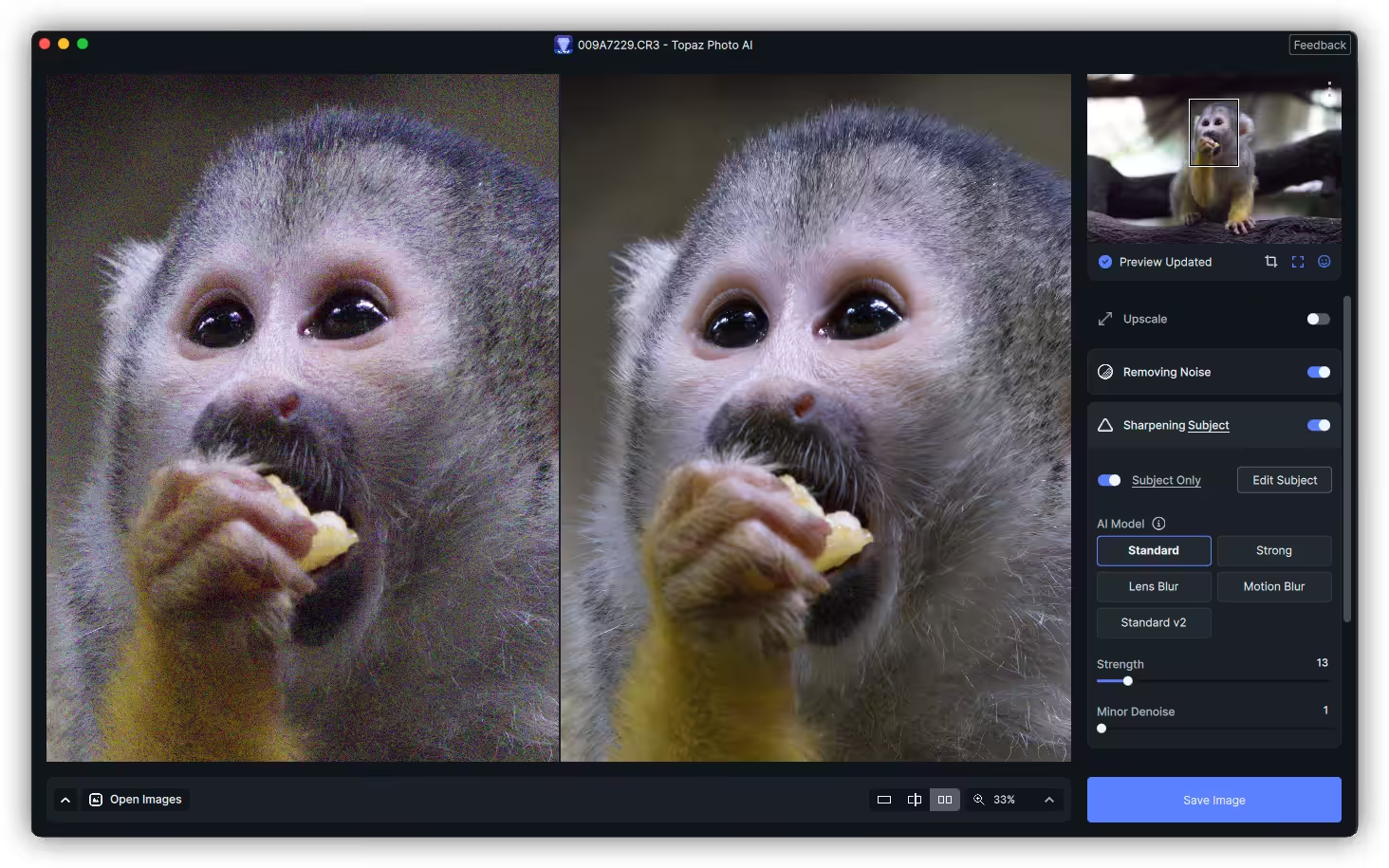
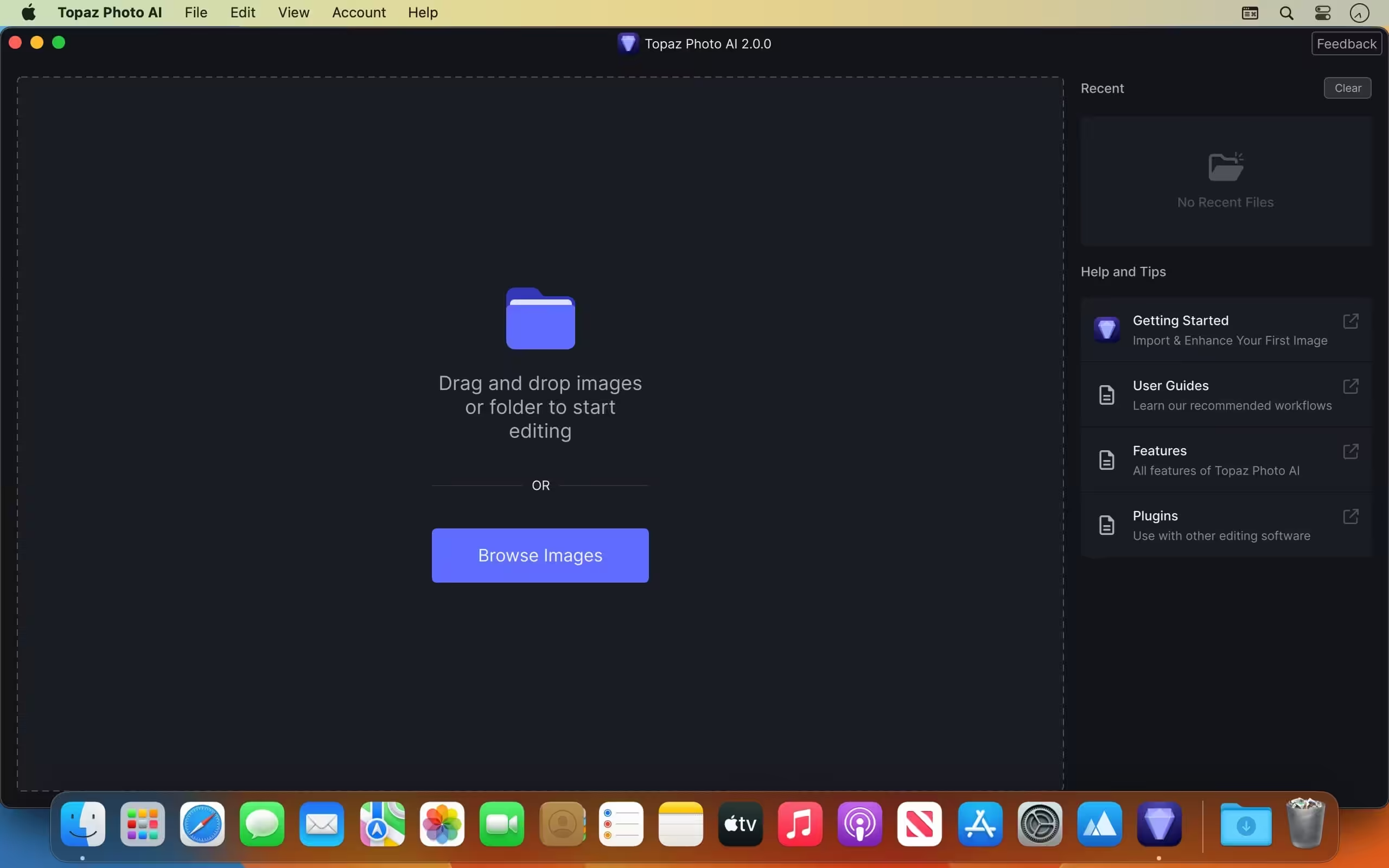
- The best way to flatten a learning curve is to do away with it altogether. Topaz Photo AI allows you to just drop your photos all at once, and it will analyze them to figure out how they can each be best enhanced. This feature is called Autopilot, and it can make it much easier for users who are unfamiliar with image editing.
- Once the files have been analyzed, hovering over the thumbnails will provide a quick summary of the changes to be made, and you can inspect a side-by-side preview to see how the photos will be altered. If anything is amiss, you can customize every parameter freely.
Upscale, sharpen, and denoise:
- If you have lower-resolution images that lack detail, the app can increase their resolution while using models based on similar images to figure out how to fill in the new pixels. Up to 8x enhancement is possible, but results will be less reliable the higher you go.
- With upscaling or photos taken in less-than-ideal conditions, noise removal is typically necessary. Again, the app relies on AI models to differentiate between noise and essential details, and you can set how strong the processing should be.
- While you always want to make sure everything is in focus, you don’t always have time to avoid a blurry shot, and subjects in motion can make things even more difficult. With the app’s sharpening tool, you can often add more crispness to a shot without having to retake it.
Quite effective, but some manual adjustments are often necessary:
- Topaz Photo AI does a good job of identifying where improvements can be made, and the suggested enhancements are usually on point. However, you still have to be prepared to tweak things occasionally, as AI can only be so smart.
- Overall, this is a great app for amateur photographers who are still learning the basics of photo editing, as it makes use of automation and AI models to both locate issues and figure out how to add and maintain image detail when enhancements are made.
- Refreshed user interface with Topaz UI style
- Implemented drag and reorder enhancements
- Implemented basic preset functionality
- Implemented docking and undocking feature
- Enabled Text Recovery to be added multiple times
- Enabled Face Recovery to be added multiple times
- Enabled Adjust lighting for RAW images
- Enabled Balance color for RAW images
- Fixed Adjust lighting crash on M3 with macOS 14.4 and above
- Fixed switching models on Denoise not updating the preview
- Fixed export output suffix not matching enhancements order
- Added preference for RAW Adjust lighting strength
- Added camera profile for Panasonic G9M2
- Added noise profile for Sony ILCE-6700




Still… the script doesn’t work. once pasted in terminal topaz no longer opens up
yeah same problem here, nothing works 🤦
How can i run the patch when Topaz is installed onto a separate SSD?. The patch doesnt automatically find the app install location.
FOLLOW THESE STEPS CAREFULLY
1. Install The App
2. When that is done go to the “Readme.txt”
3. To give Permission to run the patch, go to your Privacy and Security Settings
4. Select Full Disk Access and the add ‘Topaz Photo AI’ and ‘Terminal’ to the Full Disk Access
5. Input your password when asked
7. Open Terminal
8. Now copy the patch ‘text’ in the Read.txt file and paste in the Terminal and press Enter
9. ‘Password’ will apear underneath
NB: While typing your password it might not display in Terminal but just type your login password. Once youre certain you put in the right password press Enter
8. Copy and Paste the second text in ‘ReadMe.txt, i.e. “sudo codesign…” into Terminal. Click on Enter and if a password is required just enter as done before, if not that’s it.
10. Restart your computer and Open App
App should work just fine
thank you so much, I did it, now I will restart my Mac and see if it works !
the script doesn’t work. once pasted in terminal topaz no longer opens up
hmm… no password?
How to crack it, it still ask for activation even doing the readme file??? can anyone explain step by step how, I am using Mac M1
it is asking for actiation
What’s the tpai303.zip password, can someone help?
I Need the password for the ZIP File (tpai303.zip).
Can you help ?
funcionó!!!! Gracias!!!
Tuve que reiniciar mi Macbook 2 veces:
1 después de instalar la aplicación y
2 para instalar el Parche, ya que el parche no se podía abrir.
Gracias!!!!
Hola David, cual es la contraseña de descompresion del archivo zip?
Gtracias
Se descargó la aplicación, pero me pide activar licencia. También se descargo una carpeta “Patcher.pkg”, pero no puedo abrirla porque al parecer necesito un programa para abrirlo, en esa carpeta esta los pasos para activar la aplicación?
it’s working!
Thanks!
Activo, mil gracias 🙏🏻
Thank you it works great.. Just need to restart PC after patch, and then BOOM! no demo mode
need password for patch, after paste in terminal
wrong link guys! it downloaded everweb…
Done.
thanks!
wrong link, takes you to easyweb
why your title Topaz Photo AI but your file Everweb?