

In Shadow of the Tomb Raider Definitive Edition experience the final chapter of Lara’s origin as she is forged into the Tomb Raider she is destined to be. Combining the base game, all seven DLC challenge tombs, as well as all downloadable weapons, outfits, and skills, Shadow of the Tomb Raider Definitive Edition is the ultimate way to experience Lara’s defining moment.
- Features
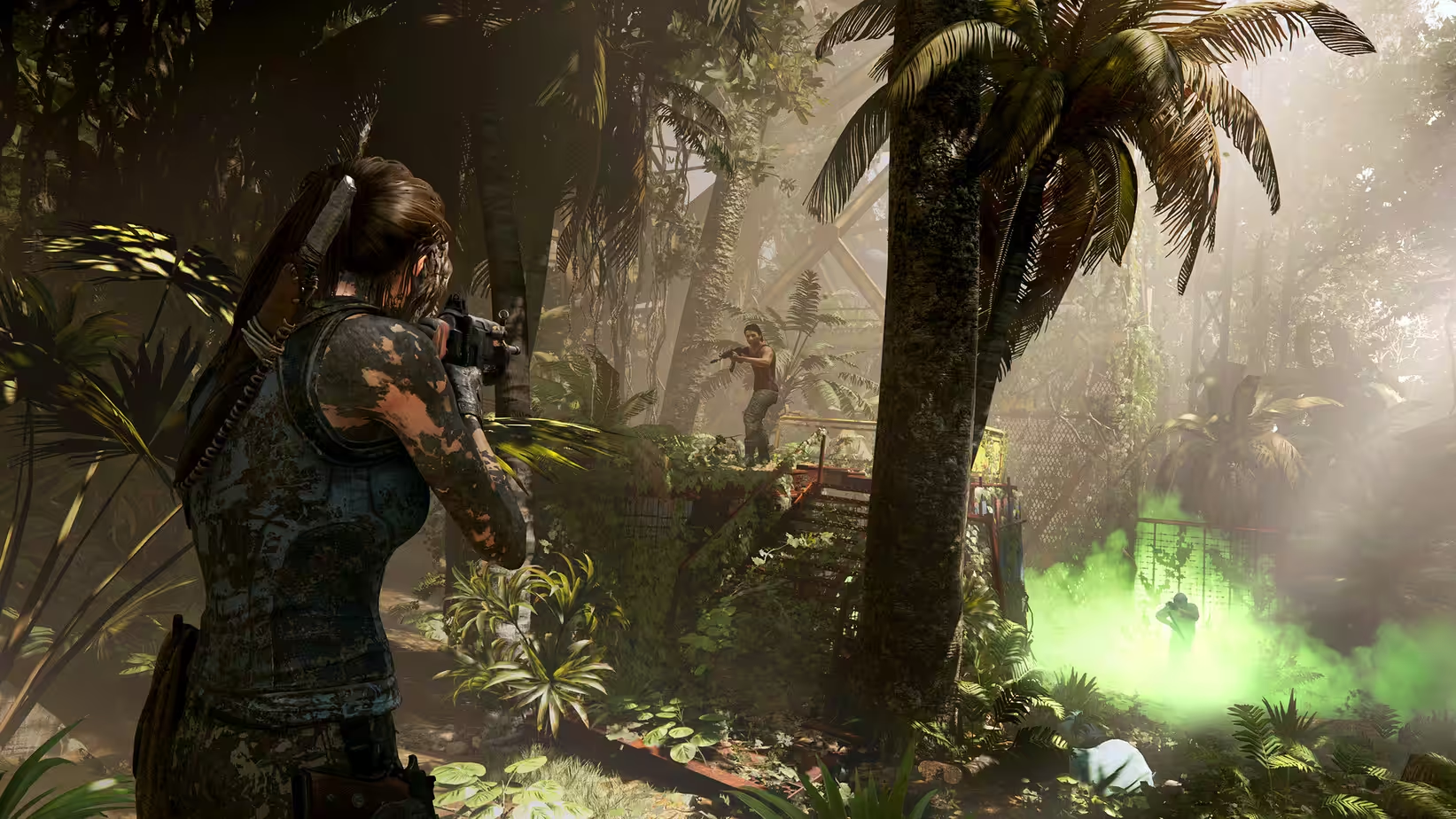
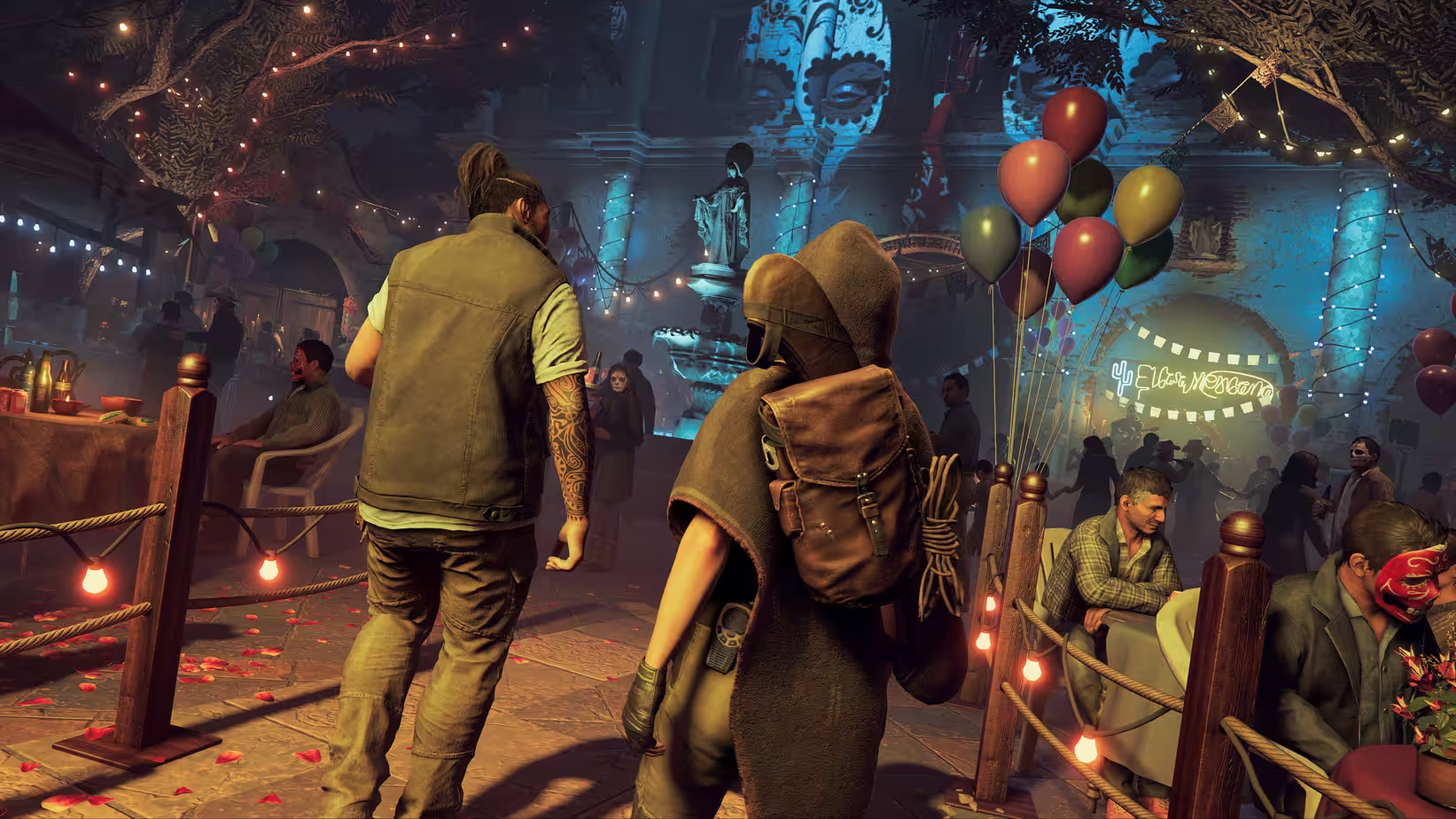
- Screenshots
- Whats new?
- Survive and Thrive In the Deadliest Place on Earth: Master an unforgiving jungle setting in order to survive. Explore underwater environments filled with crevasses and deep tunnel systems.
- Become One With the Jungle: Outgunned and outnumbered, Lara must use the jungle to her advantage. Strike suddenly and disappear like a jaguar, use mud as camouflage, and instill fear in enemies to sow chaos.
- Discover Dark and Brutal Tombs: Tombs are more terrifying than ever before, requiring advanced traversal techniques to reach them, and once inside they are filled with deadly puzzles.
- Uncover Living History: Discover a hidden city and explore the biggest hub space ever found in a Tomb Raider game.

- Release notes were unavailable when this listing was updated.





So, whats the deal with this game? it just wont download.
You need to modify the load file to the following content and run
xattr -rc /Applications/Shadow\ of\ the\ Tomb\ Raider.app
After this, the game can run directly. However, running it directly does not support the PS5 controller. On the other hand, running it on Steam is extremely laggy, but Steam supports game streaming and is compatible with the PS5 controller.
#!/bin/bash
cd “$(dirname “$0″)”
app_path=”$(pwd)”
app_path=”$(find “${app_path%/*}/Game” -name “*.app” -depth 1)”
plist_path=”${app_path}/Contents/Info.plist”
exec_name=”$(grep -A1 CFBundleExecutable “$plist_path” | awk -F’>’ ‘/string/{ print $2 }’ | awk -F’/dev/null 2>&1
./ipcserver >/dev/null 2>&1 &
ipcpid=$!
“${app_path}/Contents/MacOS/${exec_name}” #>/dev/null 2>&1
gamepid=$!
wait gamepid 2>/dev/null
kill $ipcpid >/dev/null 2>&1
wait $ipcpid 2>/dev/null
launchctl load -S Background /Users/$USER/Library/Application\ Support/Steam/com.valvesoftware.steam.ipctool.plist > /dev/null 2>&1
Steven,
it still does not work on MAC Sonoma 14.7.1 although all the changes in the Load file were made.
Even:
xattr -rc /Applications/Shadow\ of\ the\ Tomb\ Raider.app && codesign –force –deep –sign -xattr -rc /Applications/Shadow\ of\ the\ Tomb\ Raider.app
with XCOde installed does not work.
Please sent the correct load file adoptions, as you were just removing 3-4 STEAM Codes lines, no more no less.
it can not run on 2023 MacBook Pro m3 Sonoma 14.x
Why cant download , Mortix not working , stuck at 0 % .