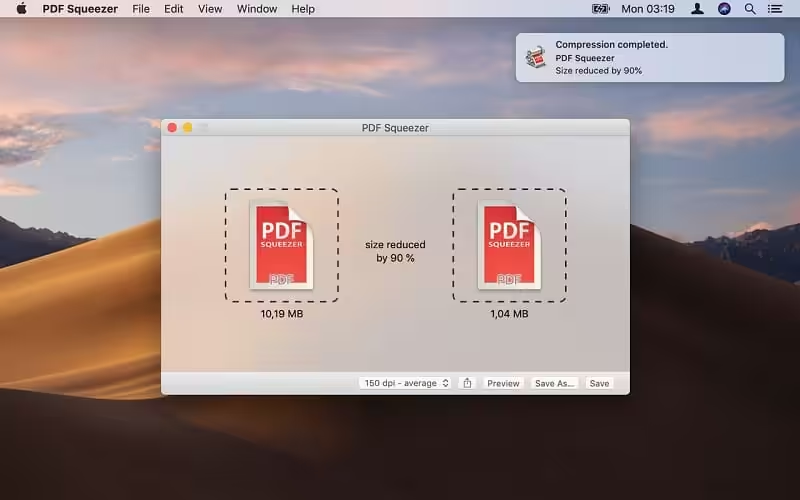
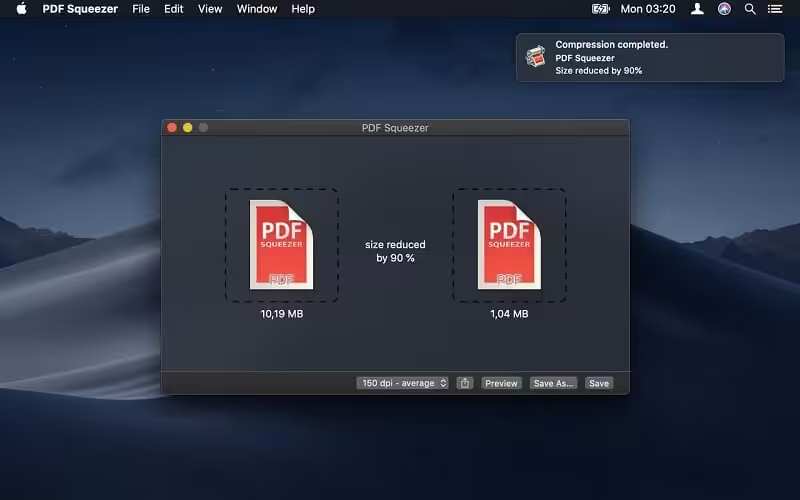
PDF Squeeze is an easy-to-use PDF compression tool. It reduces the size of large PDF documents by compressing images and removing irrelevant information. This will help you obtain important savings in bandwidth costs, digital storage costs, and network transmission times. The last save destination is now remembered after saving the compressed file once.
- Features
- Screenshots
- Whats new?
- Simply drag and drop your file into the application window
- Choose from predefined compression filters or create your own
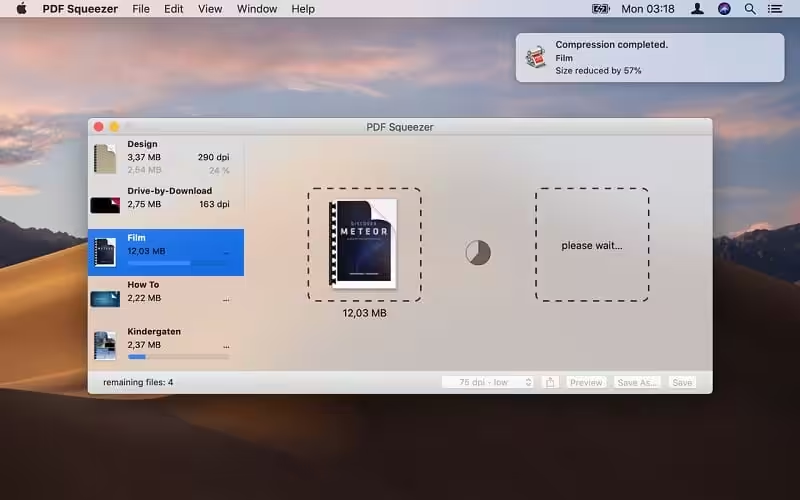
- Compress all files in a folder and its subfolders
- Batch compress multiple files
- Finder, Safari and Preview add-on available via the share menu
- Support for password-protected PDFs
- Automatic compression and save with ‘One-Click-Compression’
- Three Actions have been added that can be used with the new Shortcuts app of macOS 12 Monterey.
- You can now convert the content of PDF files like text and vector graphics to PDF files that only contain images.
- The app’s icon has been updated to match the new style.
- You can now see more statistics on how much space you’ve saved with PDF Squeezer.
- Double-clicking on the main window now shows the open dialog like in PDF Squeezer 3.
- Some error messages have been improved with more details about the error.