


MouseBoost Pro integrates more than 30 kinds of small tools, and the operation way is straightforward; as long as you click the right mouse button, you can activate all types of functions you want, so that your work efficiency is greatly improved. You can create any file type you want, open any APP you wish to, self-sorting, fully customised!
- Features
- Screenshots
- Whats new?
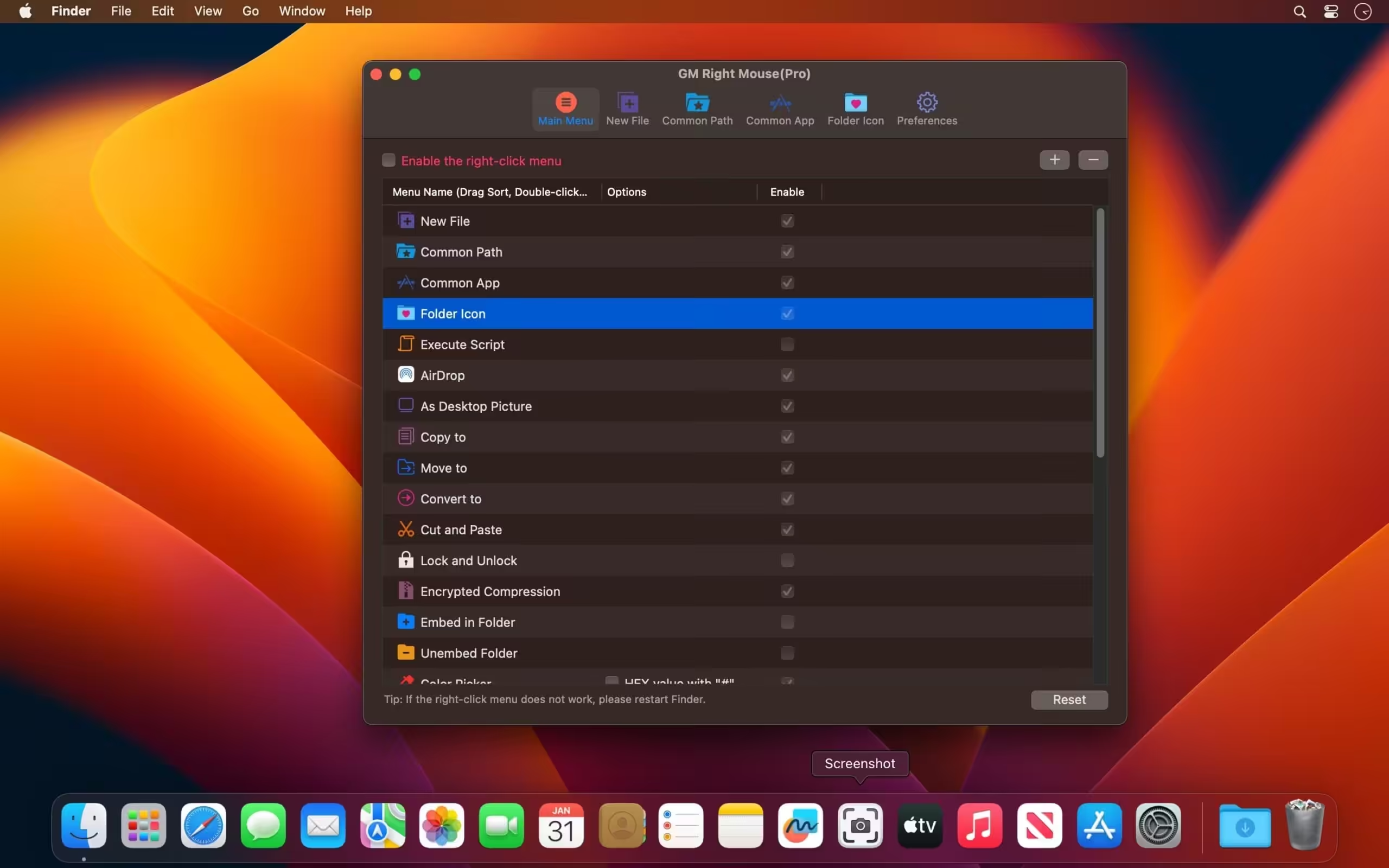
- All menus support custom sorting.
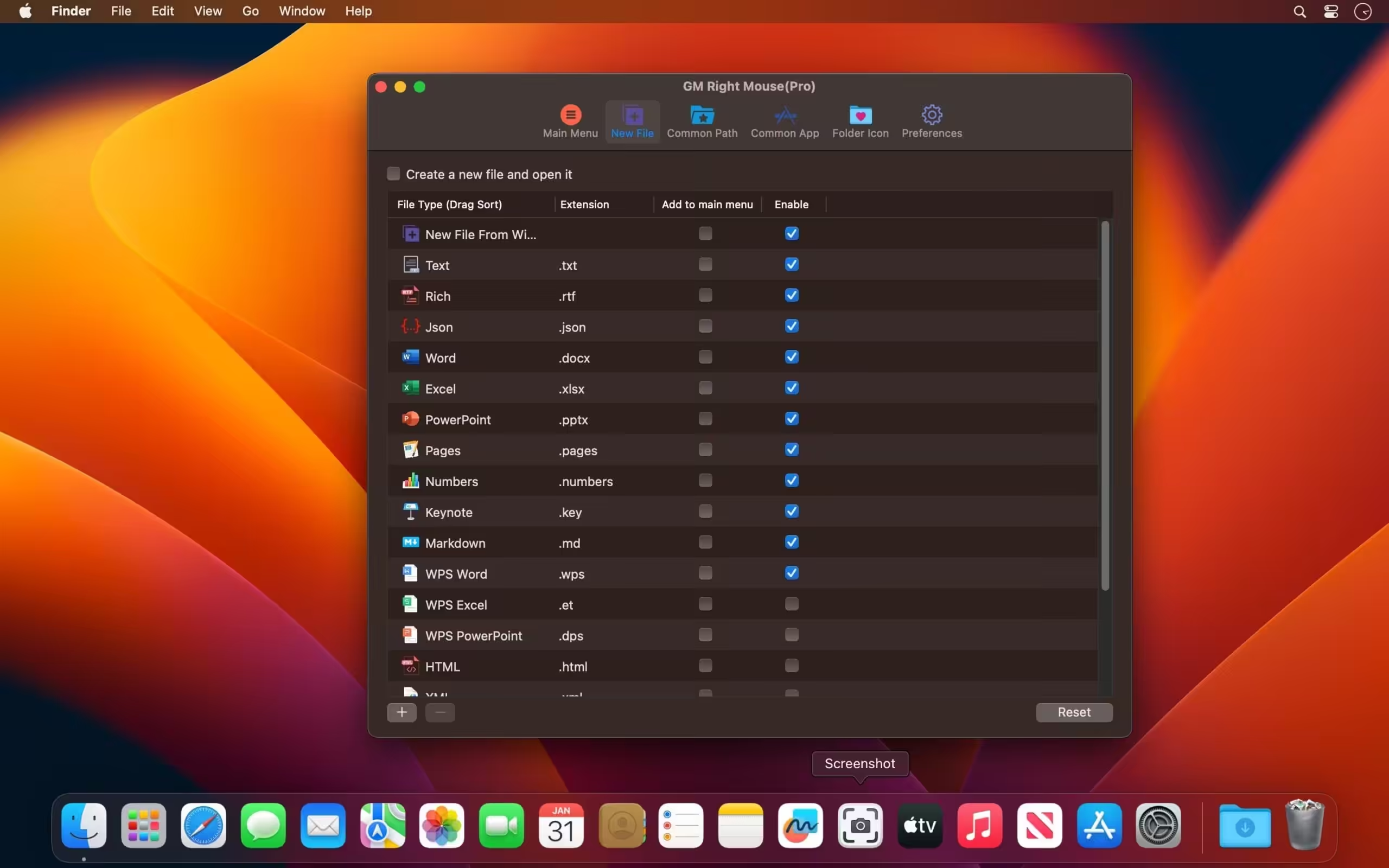
- Quickly create all kinds of commonly used files, and support the custom creation of various file types you want.
- Open your terminal (e.g., iTerm2) and navigate to the desired directory.
- Quickly open VSCode, Sublime Text, and Emacs, and customise the various apps you want to open.
- Quickly copy the current path.
- Complete file deletion is supported.
- Supports file moving, copying, and cutting.
- Supports file encryption.
- Quickly open your favourite directory.
- Quickly get files’ MD5, SHA1, SHA256, and other information.
- Supports hiding and displaying of specified files.
- Supports modified folder icon.
- New disk push function menu.
- Added shortcut menu prompt configuration items.
- Fixed some known issues.






Unable to Verify App Integrity
For your data security, please download the official version from the App Store.
Download from App Store
Quit
the same error for Tahoe 26.2
version is 3.8.3
Color folder on mouseboost pro?