

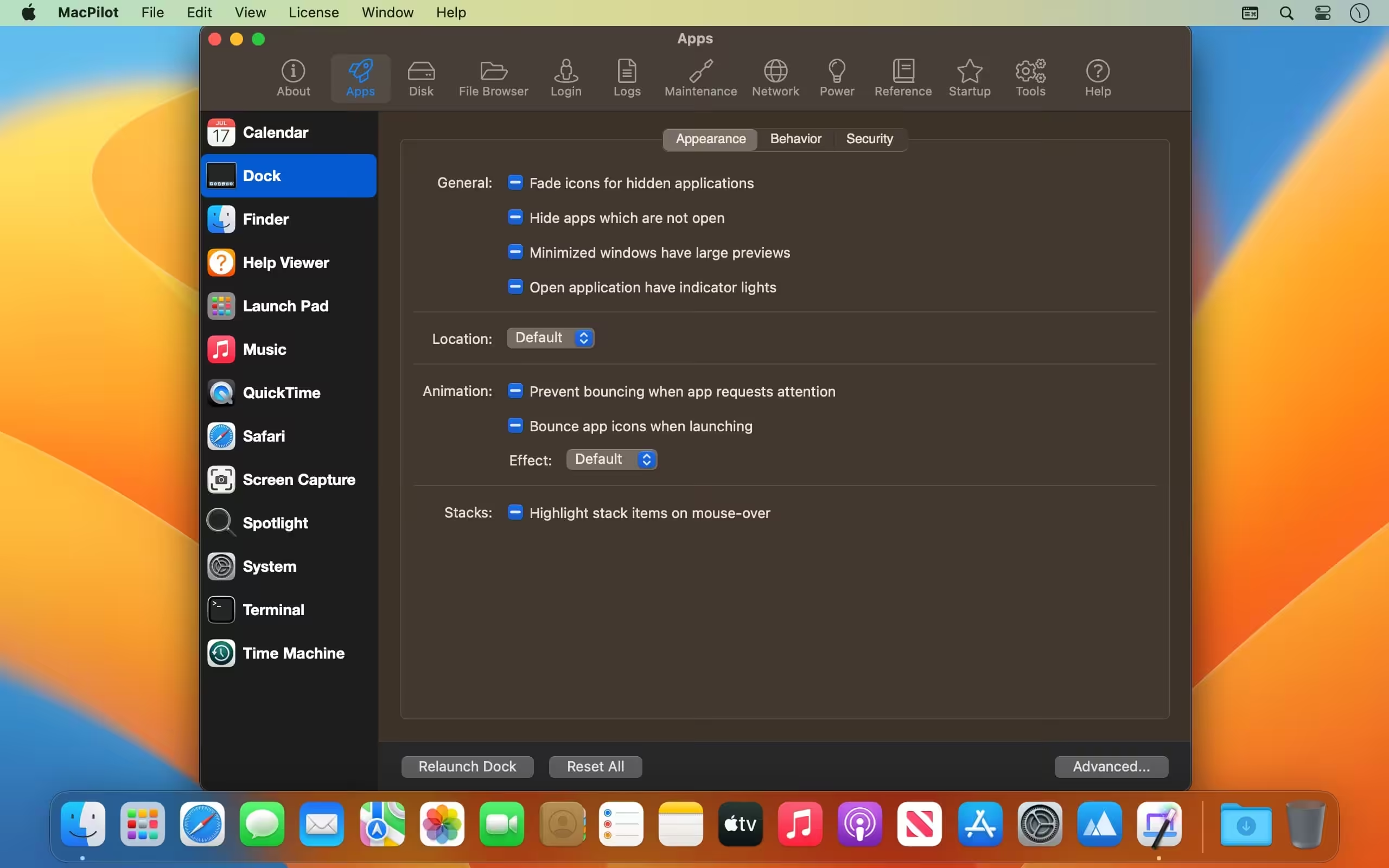
MacPilot unlocks over 1,200 features, and access them all with the easy and familiar Macintosh user interface. Get out of the passenger seat and take control of your Mac. Set your login window picture, use the screensaver as your Desktop, modify advanced file permissions (ACL), change the system welcome message, enable simultaneous recordings in QuickTime, view system logs, or enable the Debug menu in numerous apps.
- Features
- Screenshots
- Whats new?
- System Profile: A beautiful system profile that outlines advanced system information. Everything from the graphics card and RAM bus speeds to the system serial number and processor info.
- Reference: View a complete list of network ports, error codes, and key combos. Or, quickly browse and preview fonts or look up UNIX command manuals.
- Maintenance: Optimize and repair your system by running common maintenance scripts such as corn, launch services, and prebinding. Reset the download quarantine list, force empty the trash, rotate system logs, and reclaim inactive system RAM.
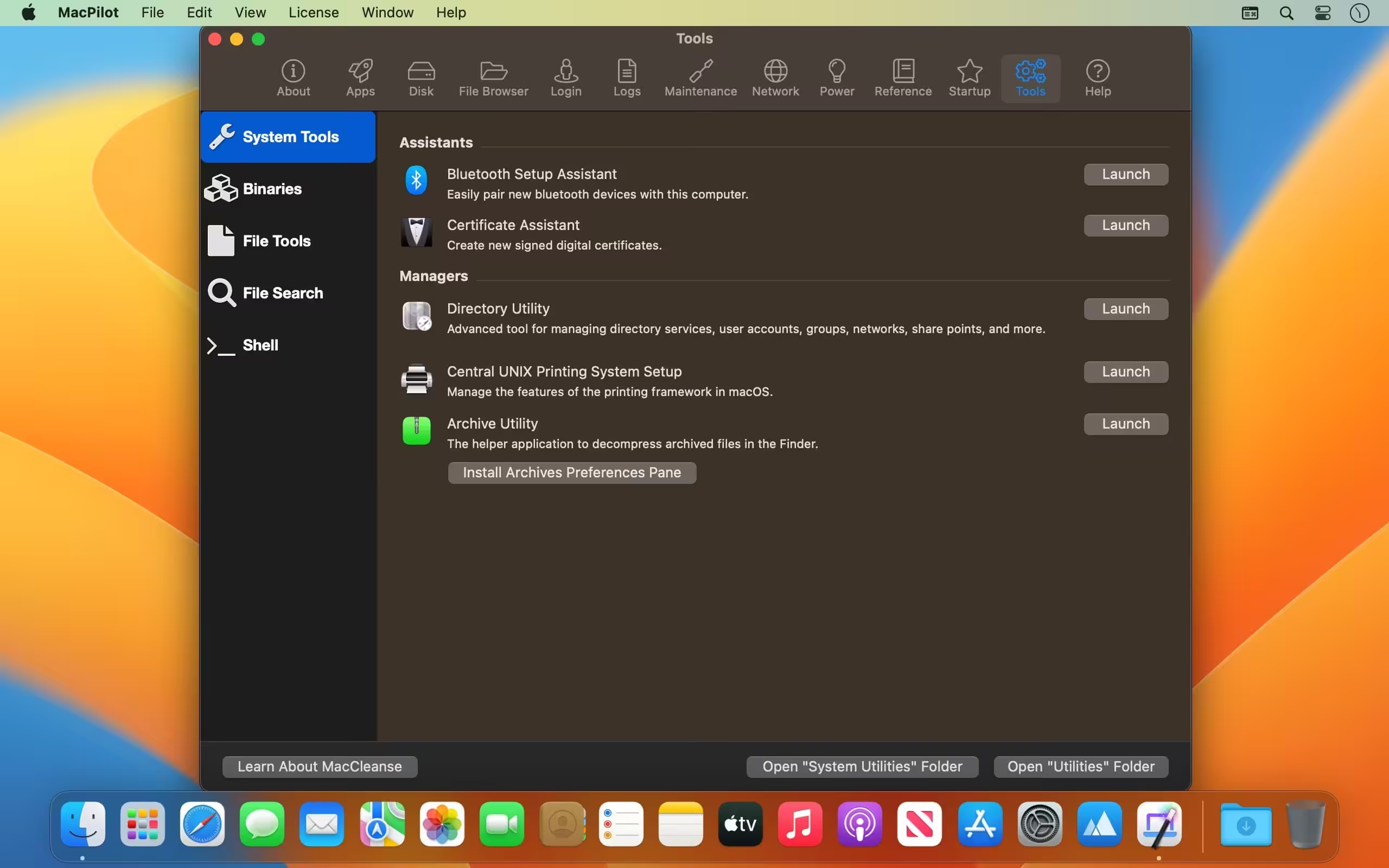
- Single-Click Access: Easily access the Bluetooth, Certificate, Directory, RAID, and Printing System assistants that are normally buried deep in the system.
- Disk Details: View advanced disk information and statistics such as UNIX node path, free blocks, device block size, file count, folder count, mount point, file system type, solid-state status, and a plethora of other BSD-level informational trinkets.
- File Browser: Browse the computer while showing all invisible and system files. View incredibly detailed file specifications, and edit advanced settings such as extended attributes, POSIX and ACL Permissions, and hard locks that make files un-deletable.

- Viewing manual pages works again on macOS Ventura.
- Viewing memory in the system profiler works for M1/M2 Macs.
- Numerous under-the-hood fixes.






Is there any way to use it for a OSX 10.13.6 Macbook? Any tricks to bypass? The software tells me that it requires OSX 10.16
No, there is no way to bypass, Sorry.