

iToolab AnyGo helps you spoof and change the location of your iPhone/iPad easily. Works with all location-based AR games or apps. AnyGo enables you to teleport the GPS location of your iPhone to any destination you choose in the world in just 1 click! Simply enter an address or the specific coordinates of your desired location.
- Features
- Screenshots
- Whats new?
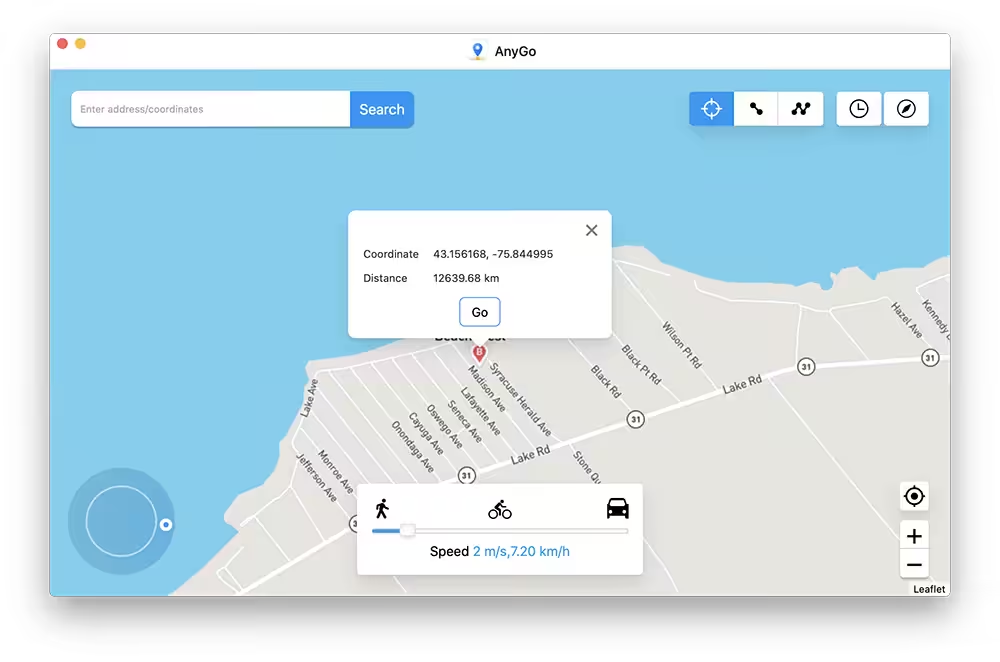
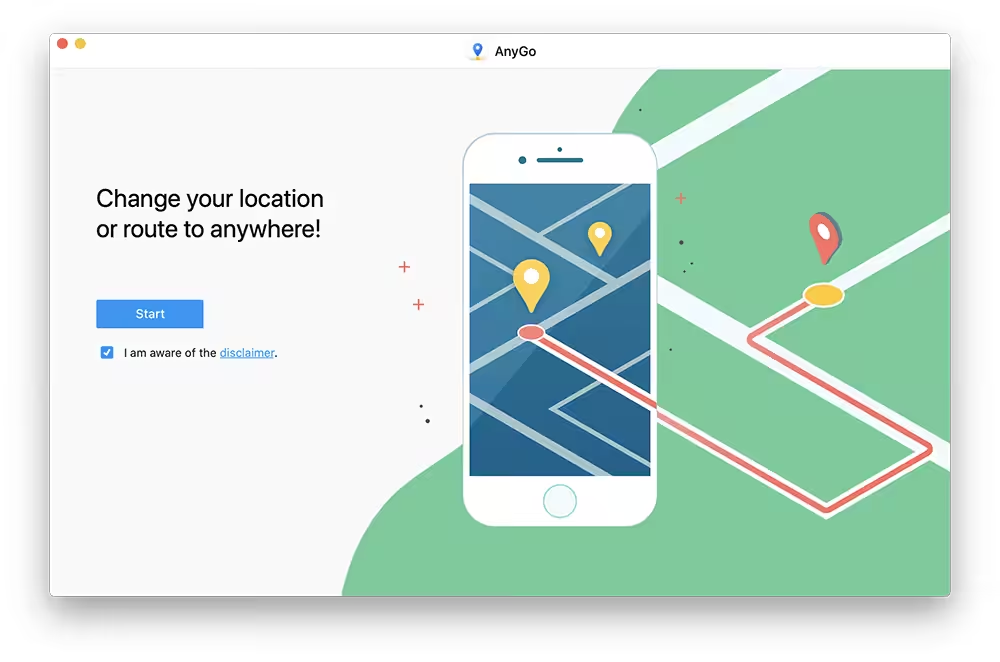
- Change your iPhone’s GPS location to anywhere in 1 click: AnyGo enables you to teleport the GPS location of your iPhone to any destination you choose in the world in just 1 click! Simply enter an address or the specific coordinates of your desired location.
- Simulate GPS movement with a customized route and speed: With AnyGo, you can simulate natural GPS movement by creating 2-position or multi-position routes on a map, with the options to customize speed from 3.6km/h to 100km/h, pause, and continue. This is beneficial if you want to play GPS-related games from the comfort of your home without moving around or for accessing services provided outside of your region.
- Take better control with Joystick: Joystick mode allows you to use the Up or Down arrows to move forward or in reverse. GPS movement can also be controlled by using the W, A, S, and D keys or Up, Down, Left, and Right.
- Import GPX file for further usage: There are a variety of sources of GPX files, which consist of such information as routes, tracks, waypoints, and geocaches. You can review and further use these GPX files on a computer by importing them into AnyGo.
- Works well with location-based apps: AnyGo can be used with Pokémon GO, Tinder, Bumble, Skout, Facebook, Snapchat, WhatsApp, Life 360, and more location-based apps.
More features for you to explore:
- Multi-device management: Connect multiple iOS devices to the computer to spoof GPS locations simultaneously.
- Full-screen HD map view: Support to view the map in full screen to get a better overview of the map.
- Historical records: Detailed historical records to help you keep track of where you’ve been.
- Added GPX import functionality.
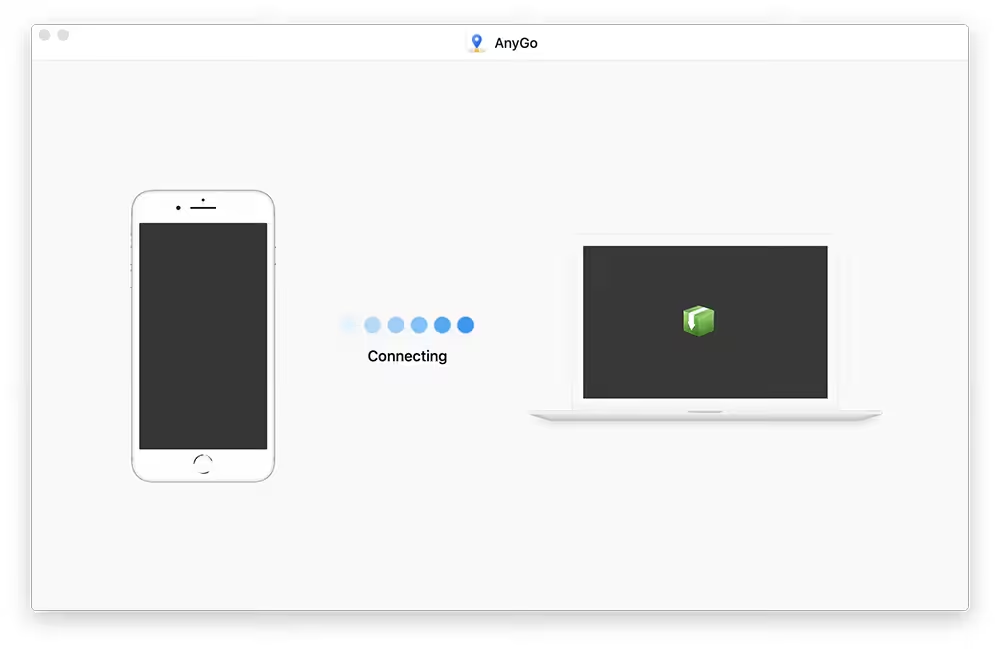
- Fixed a problem with connection errors.
- Support for viewing the map on the full screen.






Not working!!!
Bluetooth won’t connect after updating to Tahoe
Hi update 8.1.0 is available please update.
Hi update 8.0.0 is available !!!
update please !!!!
anyupdate of ios 18.2 beta?
can’t find password
where’s the new version for ios 18 released?
please do update for ios18 compatibility
Updated Version Please!!
The process “anygohelper” is seriously consuming CPU.
Ummmmm, could someone please explain me step be step how to install this thing? im kinda new on this and I dunno how to
can’t search locations
Input position is invalid
Thanks for the update, works now!
update it please
pls update
I keep getting the error message “Current macOS is not compatible with iOS17, please upgrade your system to 10.15 or higher”. but my mac is early 2012, so there are no more upgrades. Will this app no longer work for High Sierra if my iPhone is iOS17??
New version not working, please update 😭😭😭
please update to version 6.6.1
Thank you for publishing a version compatible with iOS 17. Can you post the latest version of the app that solves the connection problem with wi-fi? Thank you.
ios 17 not working with wifi connection.
Please update for iOS 17!
Hi,
This is an outdated version of anyGo which is only compatible with iOS 16 or lower.
Could you please publish the most recent version of anyGo or a similar app compatible with iOS17?
Thanks in advance!
please update
Any fix?
No matter what I did, it don’t recognize my iPhone, which is on the supported iOS list. Any ideas ? ????????♀️
It won’t connect with my iPhone