

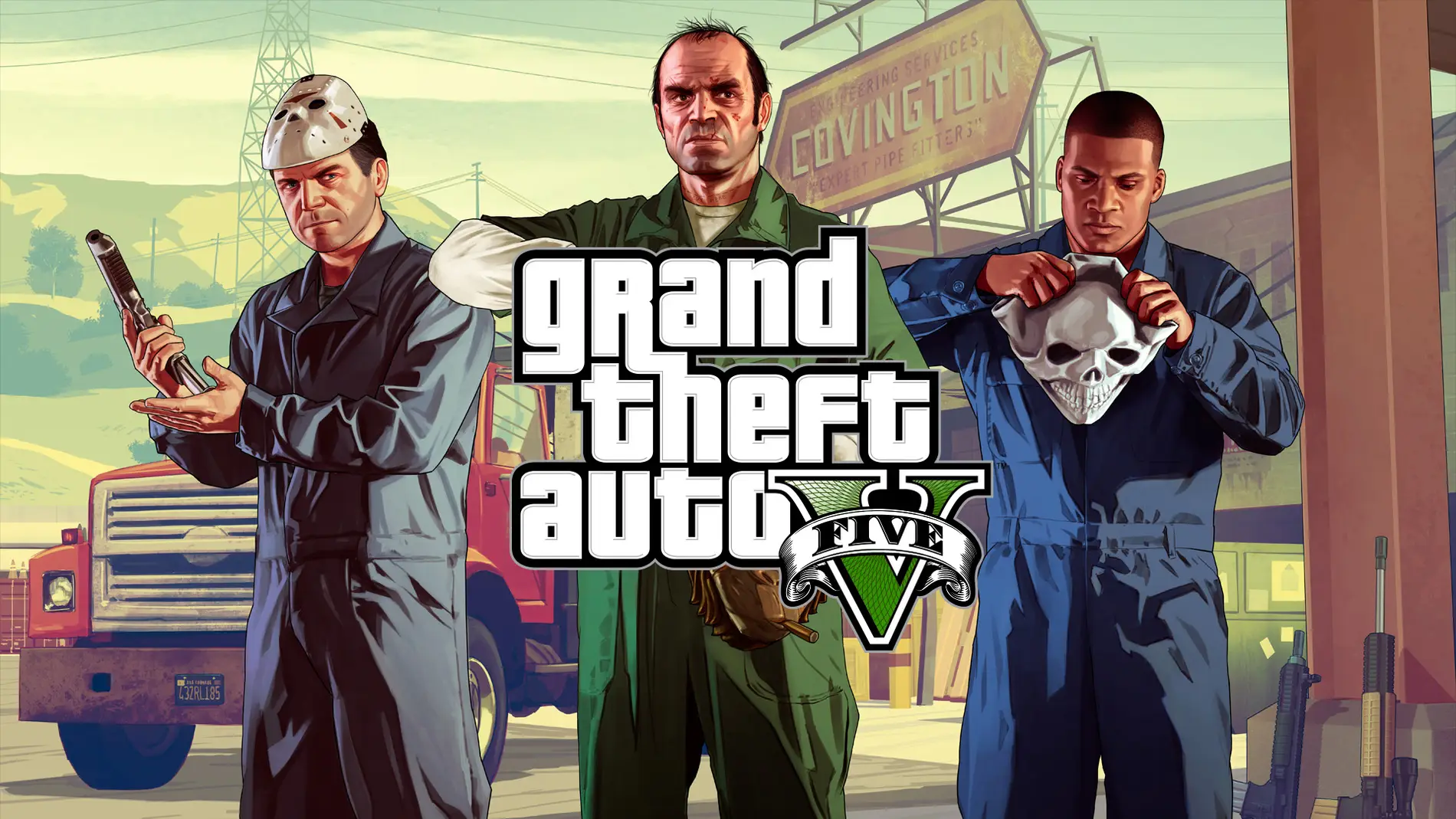
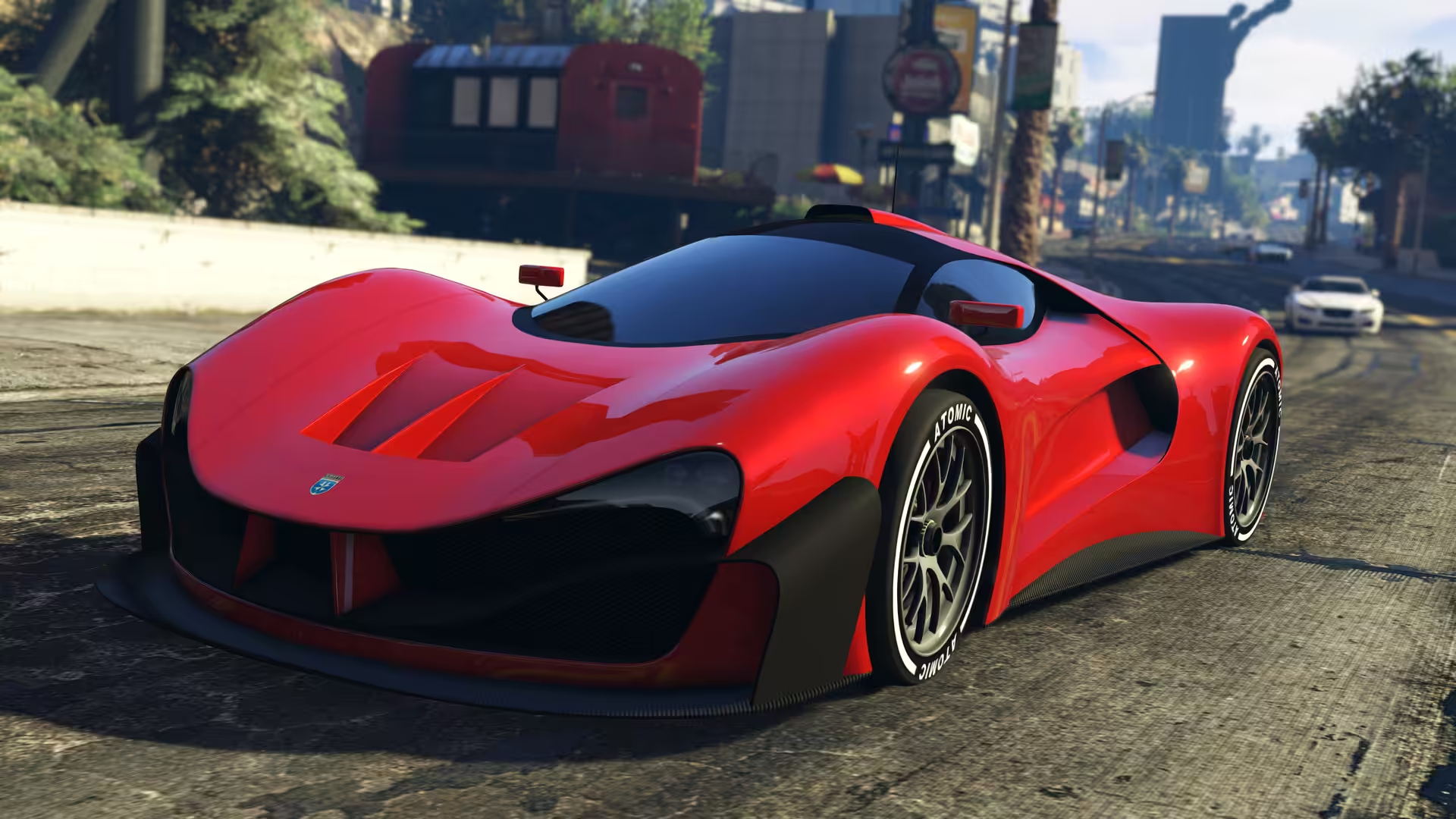
Grand Theft Auto V (GTA 5) for Mac provides players with the opportunity to explore the acclaimed world of Los Santos and Blaine County in resolutions of up to 4k and beyond, along with the option to experience the game running at a smooth 60 frames per second.
- Features
- Screenshots
- Gameplay
Changing language:
- Navigate to the path using the context menu “Show package contents”:
- Grand Theft Auto V.app/Contents/SharedSupport/prefix/drive_c/Appstorrent Games/Grand Theft Auto V/steam_api.ini
- We replace the line “Language = russian” with “Language = english”, as an example.
When a young street hustler, a retired bank robber and a terrifying psychopath find themselves entangled with some of the most frightening and deranged elements of the criminal underworld, the U.S. government and the entertainment industry, they must pull off a series of dangerous heists to survive in a ruthless city in which they can trust nobody, least of all each other.
Grand Theft Auto V for PC offers players the option to explore the award-winning world of Los Santos and Blaine County in resolutions of up to 4k and beyond, as well as the chance to experience the game running at 60 frames per second.
The game offers players a huge range of PC-specific customization options, including over 25 separate configurable settings for texture quality, shaders, tessellation, anti-aliasing and more, as well as support and extensive customization for mouse and keyboard controls. Additional options include a population density slider to control car and pedestrian traffic, as well as dual and triple monitor support, 3D compatibility, and plug-and-play controller support.
Grand Theft Auto V for PC also includes Grand Theft Auto Online, with support for 30 players and two spectators. Grand Theft Auto Online for PC will include all existing gameplay upgrades and Rockstar-created content released since the launch of Grand Theft Auto Online, including Heists and Adversary modes.
The PC version of Grand Theft Auto V and Grand Theft Auto Online features First Person Mode, giving players the chance to explore the incredibly detailed world of Los Santos and Blaine County in an entirely new way.
Grand Theft Auto V for PC also brings the debut of the Rockstar Editor, a powerful suite of creative tools to quickly and easily capture, edit and share game footage from within Grand Theft Auto V and Grand Theft Auto Online. The Rockstar Editor’s Director Mode allows players the ability to stage their own scenes using prominent story characters, pedestrians, and even animals to bring their vision to life. Along with advanced camera manipulation and editing effects including fast and slow motion, and an array of camera filters, players can add their own music using songs from GTAV radio stations, or dynamically control the intensity of the game’s score. Completed videos can be uploaded directly from the Rockstar Editor to YouTube and the Rockstar Games Social Club for easy sharing.
Soundtrack artists The Alchemist and Oh No return as hosts of the new radio station, The Lab FM. The station features new and exclusive music from the production duo based on and inspired by the game’s original soundtrack. Collaborating guest artists include Earl Sweatshirt, Freddie Gibbs, Little Dragon, Killer Mike, Sam Herring from Future Islands, and more. Players can also discover Los Santos and Blaine County while enjoying their own music through Self Radio, a new radio station that will host player-created custom soundtracks.
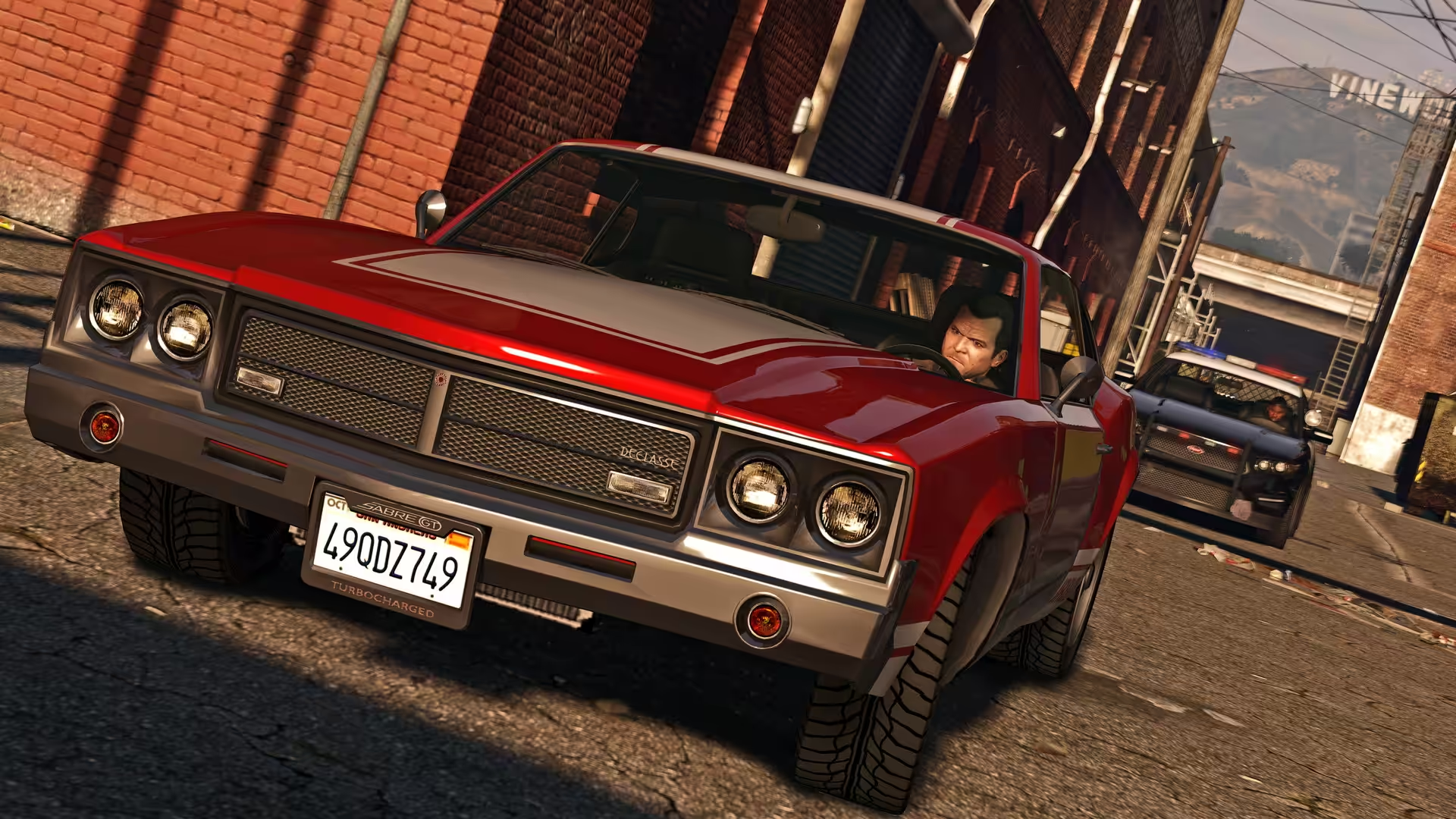
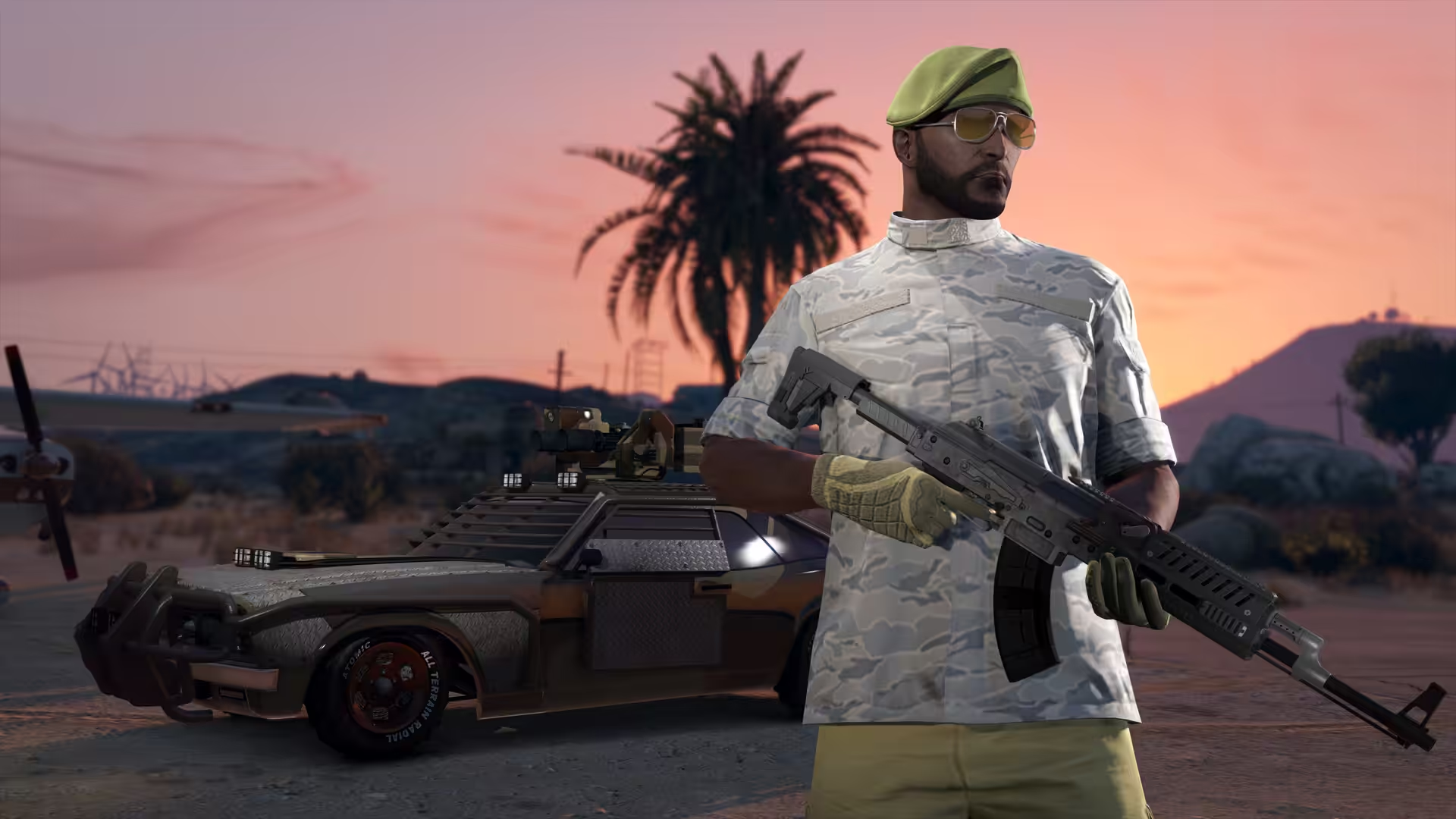
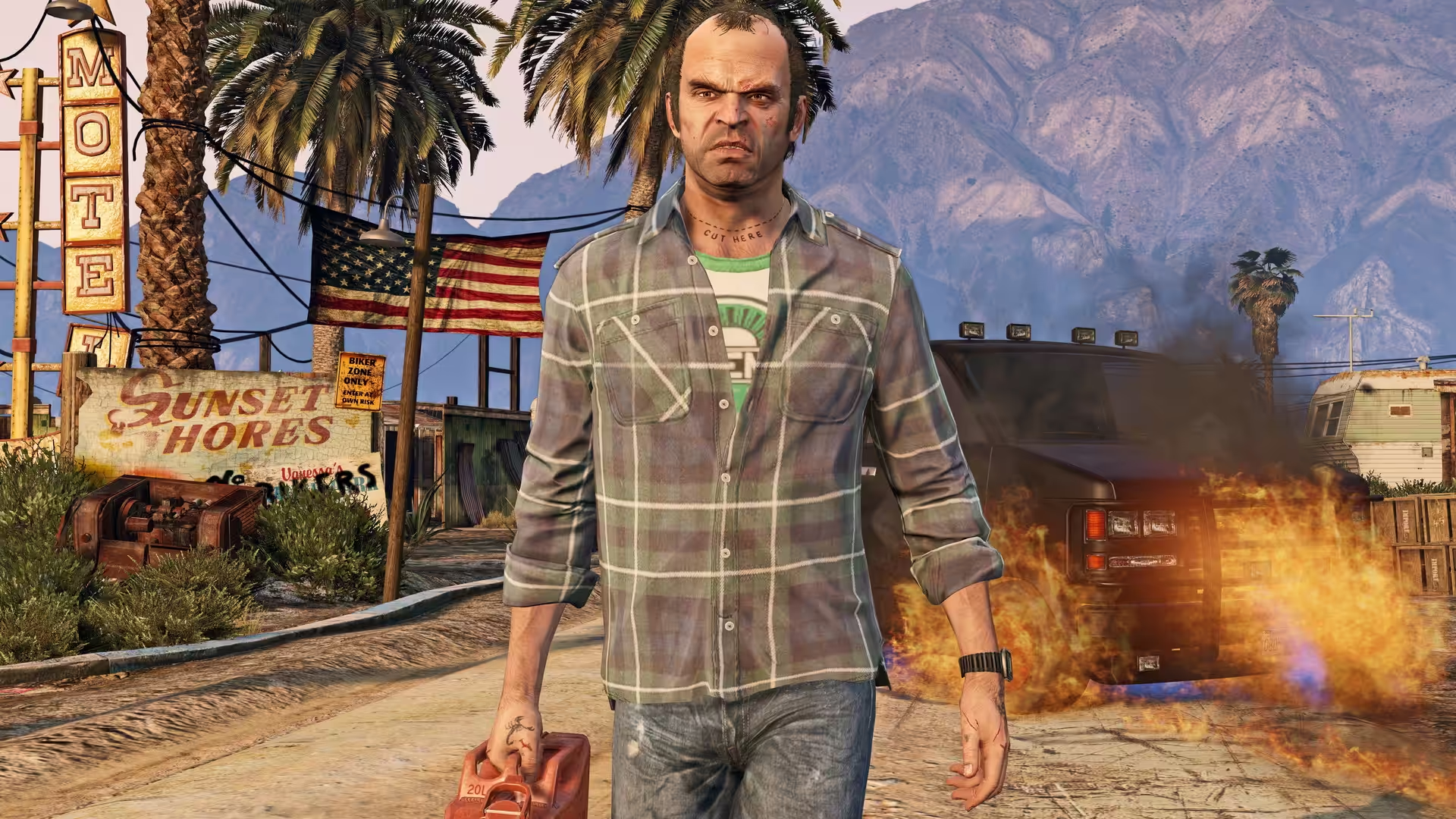
![GTA 5 Gameplay Walkthrough FULL GAME [4K 60FPS] - No Commentary](https://haxmac.to/wp-content/cache/flying-press/f0b8a35e5516abb4892ad9b223de4d81.jpg)





i recenty download this is show it is not able to open and say me to eject disk
Yes, it is doing the same. So, disappointed, i have downloaded via my mobile internet and it all goes for that 70 gb file. Any idea how to recover the app ?
Does this work? Someone should reply please
does this work
does this actually work no virus
please solve seed and peer problem is 0
please for the downloading problem seed and peer is 0
it is not accepting input from keyboard not moving or anything what to do pls help
Why is not full screen?
Seed this please. Stuck at 40% 🙏
How do i install it, please help me
Would you be able to share theDMG file with me? I am not able to download. No Seeders!
which version is it?
for full screen: cmd + enter or option + enter (for windows, it is alt + enter. so fo mac it should be either of the two)
how to full screen the game im tried in game display resolution but its didn’t can you tell me
it’s working?
Please upload torrent link
It’s torrent link!
is it work on intel base macbook ?
its speed is low why?? i think seeders are low and is it for mac silicon m1 and yes plz if anyone have drive link plz send
please leave seeds on it will increase the speed the leechers are not good
I have a apple sillion mac will it work on it or will it work on any mac
Can I use a xbox controller?? and how can I use it? Ive already install it, and changed the language but I need to know how to play with my controller
how did u change the language???
Quisiera saber cómo ponerlo en pantalla completa por qué no me funciona el comando control command f y tambien quisiera saber cómo usar un mando joystick para jugarlo.
Why does the file in the link not exist?
I wish someone knew
how to install mods in it and how to enable online mode
Hii, the online mode is not avidable for this version of GTA V because dosent have official servers of Rockstar games, only offline mode
does the game works??? it installs some installer and it doesn’t do much after that!
it do work for me
I wish someone knew
what is the password of direct download?
can we install mods in it
How to change russian language into english in GTA 5 ?
Con que aplicación reemplazaste la línea?
Changing language:
Navigate to the path using the context menu “Show package contents”:
Grand Theft Auto V.app/Contents/SharedSupport/prefix/drive_c/Appstorrent Games/Grand Theft Auto V/steam_api.ini
We replace the line “Language = russian” with “Language = english”, as an example.
its works but only Russian language… anyone know how to change the language?
Changing language:
Navigate to the path using the context menu “Show package contents”:
Grand Theft Auto V.app/Contents/SharedSupport/prefix/drive_c/Appstorrent Games/Grand Theft Auto V/steam_api.ini
We replace the line “Language = russian” with “Language = english”, as an example.
anyone tried it?
I tried it and didn’t liked it. its basicly running a vertual windows installation and then running the game inside that windows so you wont get good performance and also i was having issues getting it full screen. so basicly my mac m1 pro(13 inch) was emulating a windows then that windows was rinning the game.
This is what we have available, since GTA is not officially available for MAC
What is GTA V smoother in M1 Pro 13″ ?
did you end up trying? sounds sus there is a mac port for this
works great on m3 pro . im playin with 100 fps
did you know how to connect a xbox controller I Can’t use it
bro try it using steam . add game to steam and try it . maybe works idk