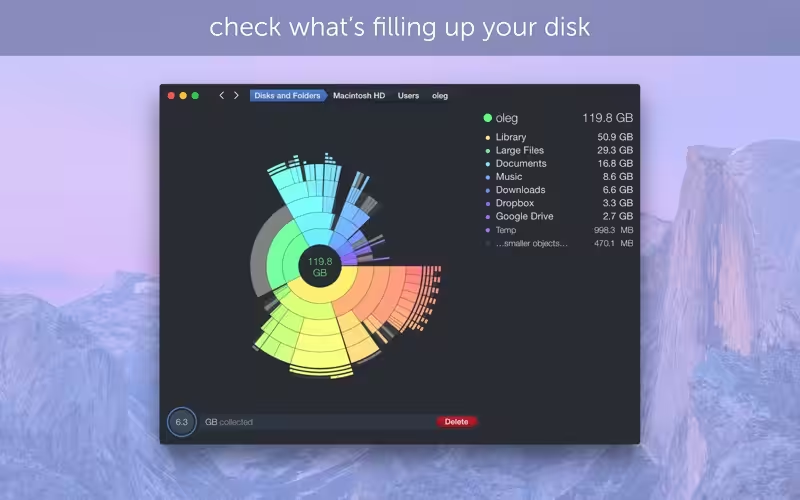
DaisyDisk allows you to visualize your disk usage and free up disk space by quickly finding and deleting big unused files. The program scans your disk and displays its content as a sector diagram where the biggest files and folders become obvious at once. To drill down to a folder, just click on a segment. To bubble up, click in the center. Move the mouse over the diagram to see the name and path of each file, and enclosed files (if any).
- Features
- Screenshots
- Whats new?
- The unique interface makes it easier than ever to find and delete large useless files
- Unmatched speed of scanning – it typically takes only a few seconds to scan your entire startup disk (depends on your disk and CPU models)
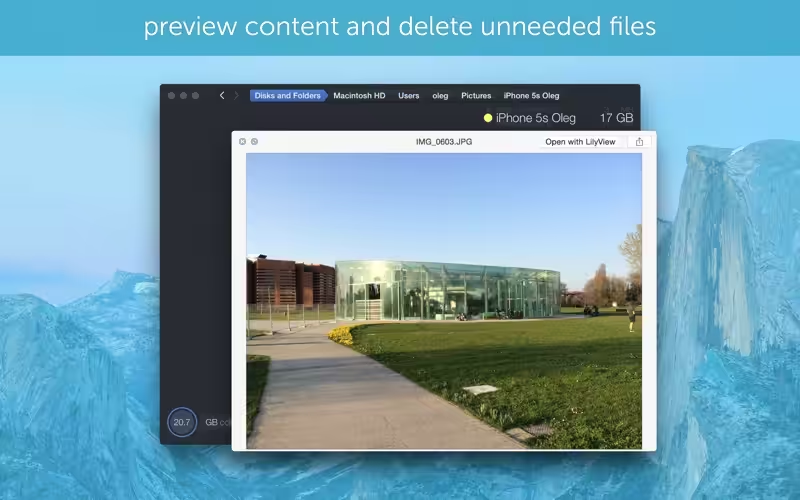
- Integrated QuickLook for previewing file content
- Scanning multiple disks in parallel at maximum speed
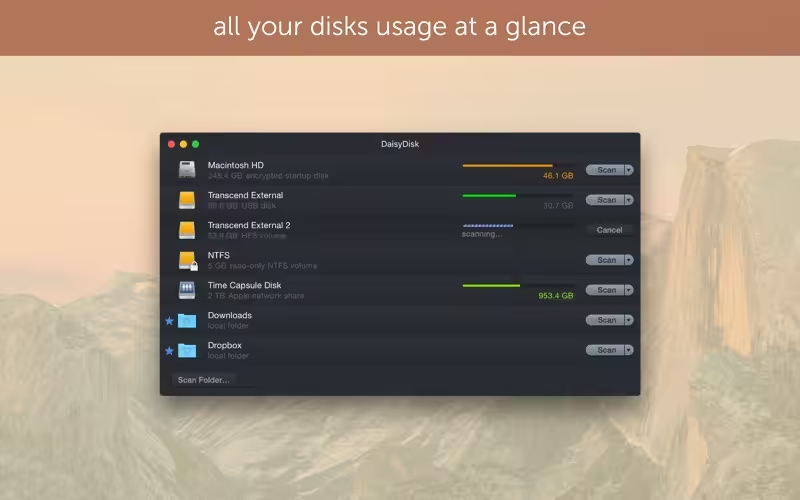
- Real-time information about mounted disks
- In-app file deletion
- Fully supports Retina displays
- Fixed the compatibility issues with the new macOS Big Sur.
- Improved hidden space discovery by including more hidden volumes into the scan.
- Minor bug fixes and tweaks.