


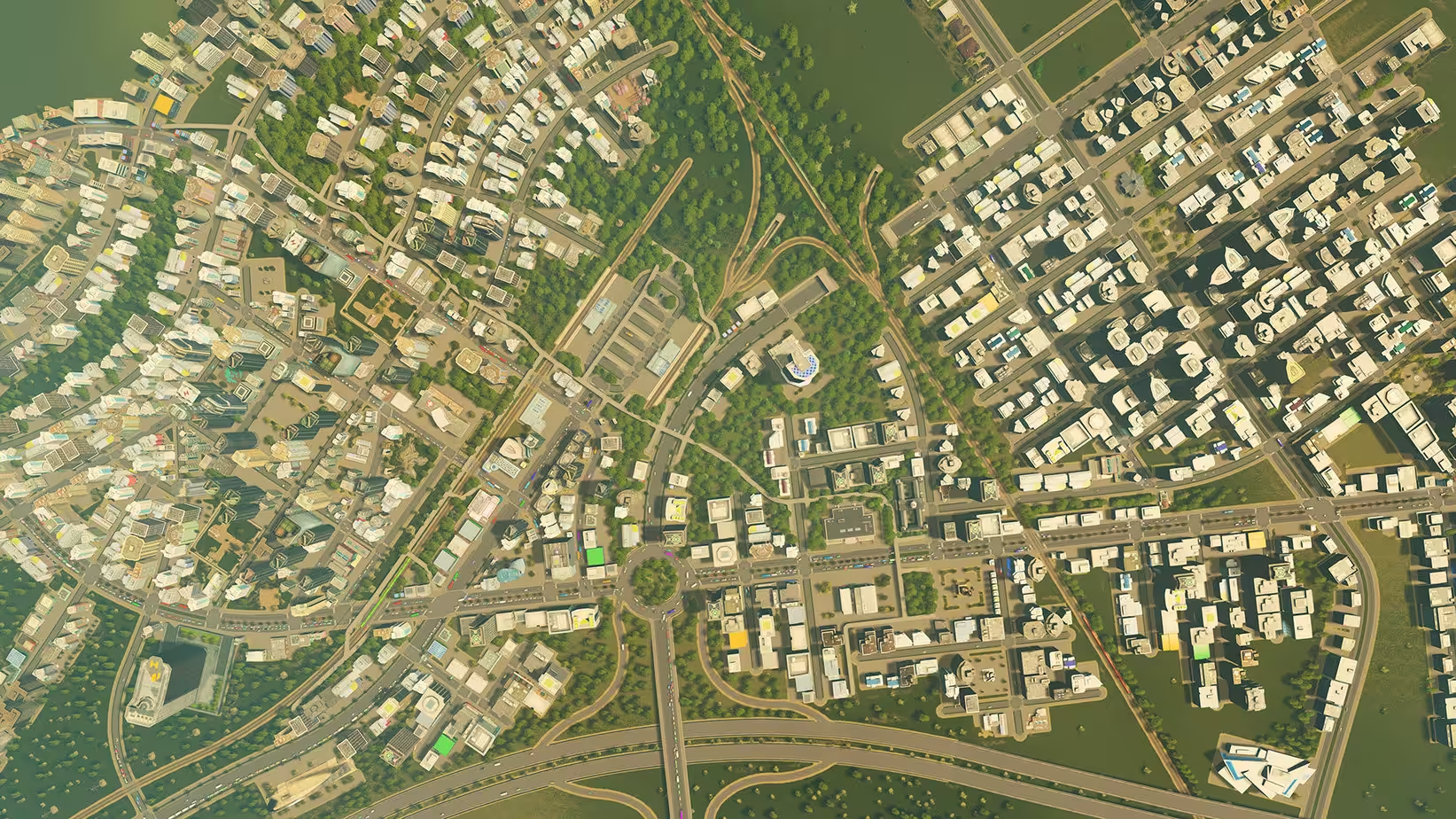
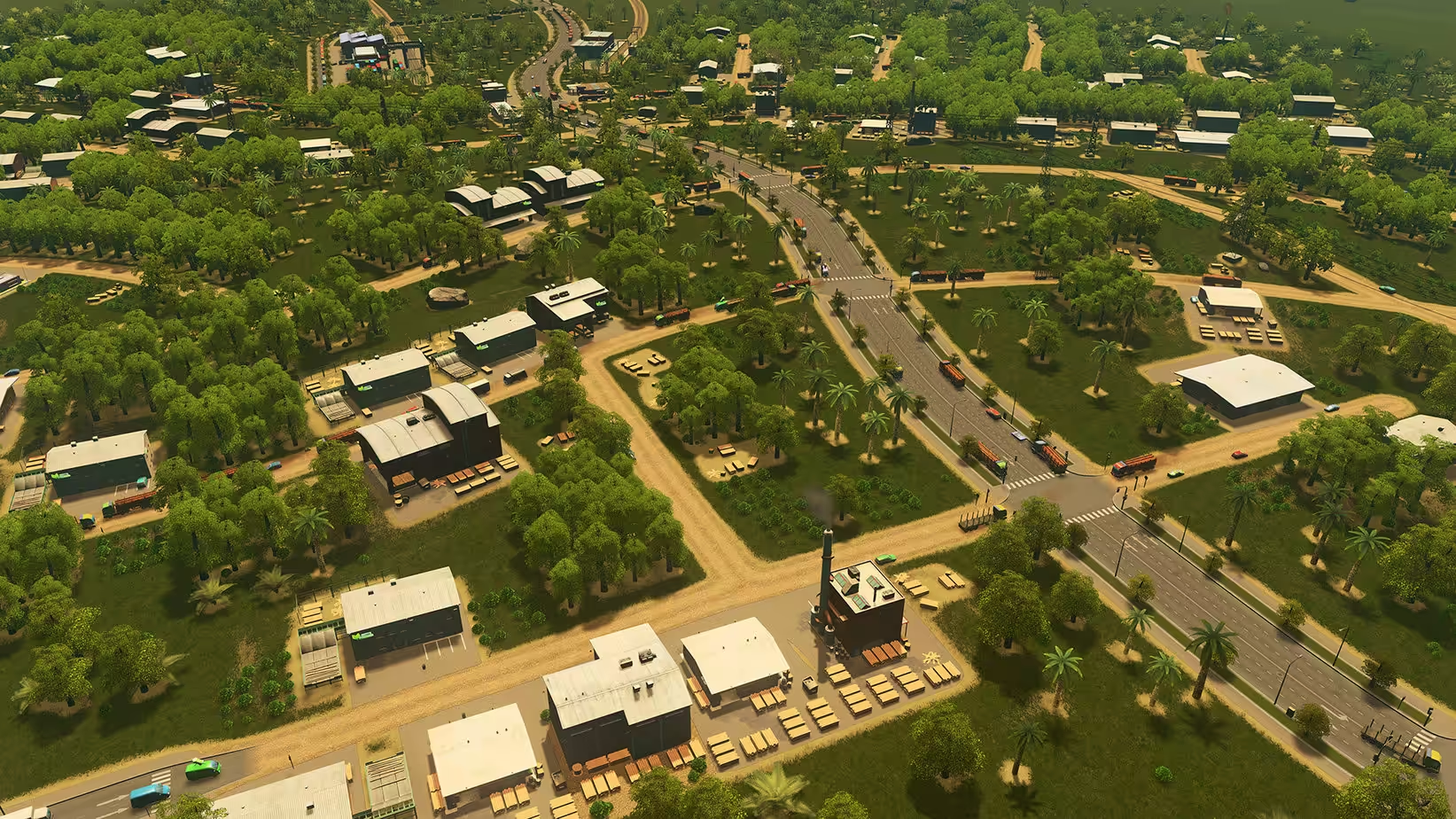
Cities: Skylines is a modern take on the classic city simulation. The game introduces new gameplay elements to realize the thrill and hardships of creating and maintaining a real city, whilst expanding on some well-established tropes of the city-building experience.
- Features
- Screenshots
- Whats new?
- Multi-tiered and challenging simulation: Constructing your city from the ground up is easy to learn, but hard to master. Playing as the mayor of your city you’ll be faced with balancing essential requirements such as education, water electricity, police, fire fighting, healthcare, and much more along with your city’s real economy system. Citizens within your city react fluidly, with gravitas, and with an air of authenticity to a multitude of gameplay scenarios.
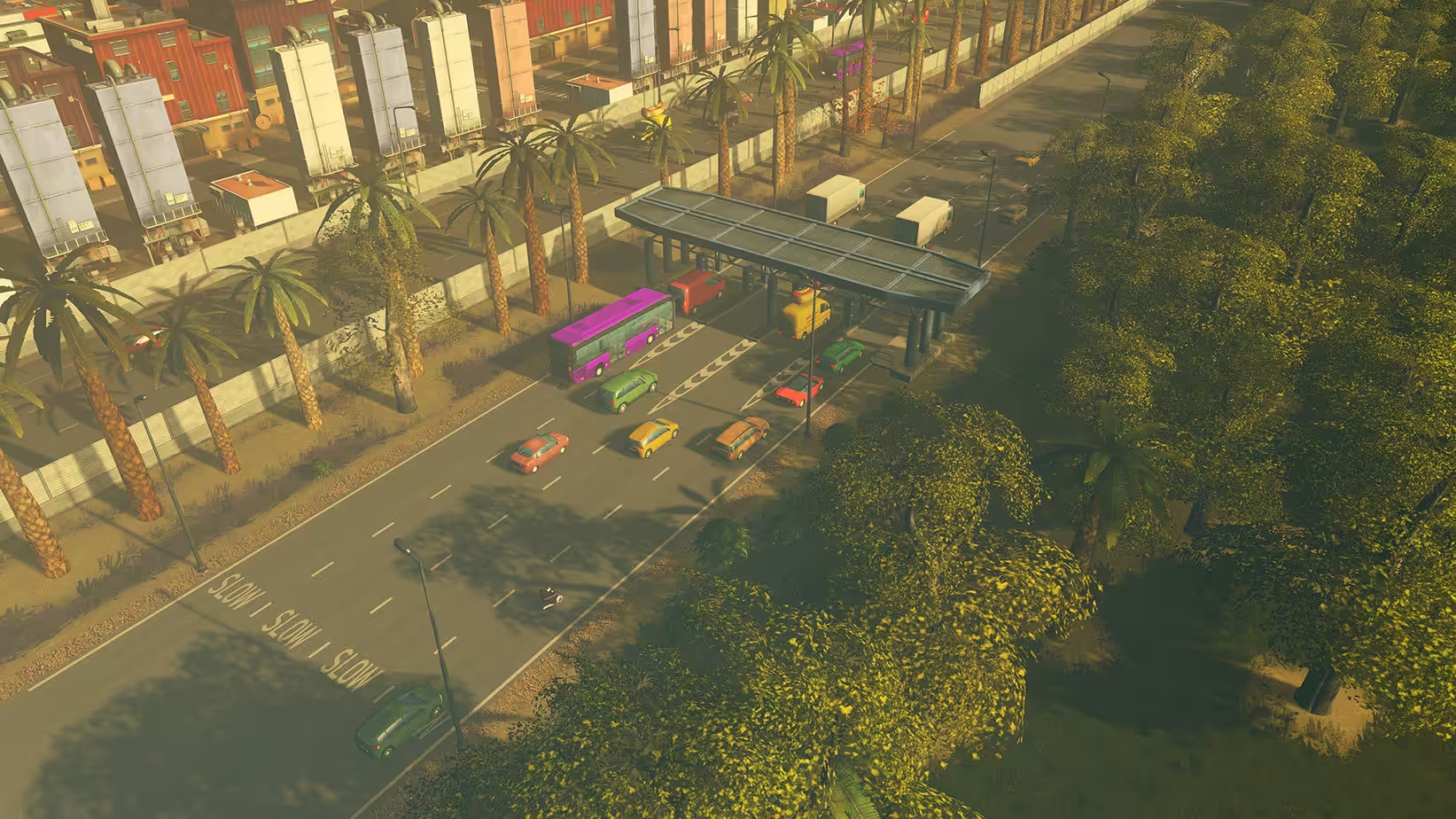
- Extensive local traffic simulation: Colossal Order’s extensive experience developing the Cities in Motion series is fully utilized in a fully fleshed out and well-crafted local traffic simulation.
- Districts and Policies: Be more than just an administrator from city hall. Designating parts of your city as a district results in the application of policies which results in you rising to the status of Mayor for your own city.
- Utilize the Day and Night Cycle: The city changes during the hours of the day and affects citizen schedules. Traffic is visibly slower at night and some zoned areas do not work with full efficiency. Cities: Skylines will put you in control of managing the different aspects of the day and night cycles.
- Extensive modding support: Build or improve on existing maps and structures. You can then import your creations into the game, share them as well as download the creations of other city builders on the Steam workshop.
- Release notes were unavailable when this listing was updated.






Hello,
Any solution to avoid freezing with all DLC activated? I cannot disable either… 🙁
Please provide ver. 1.19.2-f3. I found it on some Chinese page, but no idea how to download it.
this one is 1.19
_CodeSignature put to the second content folder will solve everything
Hi can we move when is it mounted disk, or we copy to desktop first. please help
How to, in the mount disk or copied to our drive ( we cant move if it is mounted tho), please help
“Application damaged, move to trash,”
they put the _CodeSignature folder to wrong place.u just put it to Cities content folder.problem will solve. enjoy it
this one not really work.lots of problem….!!! 1.19.2-f3 released
For those who can’t open the app because it says “Application damaged, move to trash,” please use this tutorial video.
search yotube title:
How to FIX “is damaged and can’t be opened. You should move it to the Trash” Error on Mac
But in the last step, you don’t need to drag the app to the desktop. Just drag the app from the application folder to Terminal. So in Terminal the command is xattr -cr App path in your application folder.
My game is running, but because this version includes all of the DLC, it fails to load the new game. I checked the RAM on Activity Monitor, and it bloated to 20+ GB.
I’m using an M1 MBA with 8 GB of RAM. Of course, that 20+ GB includes swap memory or, in Windows terms, virtual memory. My new game gets stuck at around 95% before becoming unresponsive. I suspect too many DLCs are causing this game to have trouble loading. I read on a forum that a player with a 32 GB RAM PC also tried disabling DLCs because of this problem.
I’m searching for a way to disable DLCs, but so far I have only found two methods. Using the Steam launcher is obviously out of the question. The other method is editing the steam_emu.ini file, which is not available in this version. Yes, I searched inside the CS folder > Show Package. The only .ini file with the word “DLCUnlockall=1” is activated.ini. However, that file didn’t do anything even after I edited it to DLCUnlockall=0.
worked, it needs to be moved to the application first. Code signature was not a problem. Then I ran.
xattr -cr /Applications/Cities.app
sudo xattr -rd com.apple.quarantine /Applications/Cities.app
BRO NOT WORKING CAN U HELP ME HOE TO PLAY
Hey, M1 MBA 8GB of RAM here, during the loading of the new game the loading sreen will “freeze” and it will show as non responsive from the Mac’s dock, however if you leave it it will end up loading the word and will let you play.
can’t open it, is there something to do ???
Does this have all dlcs unlocked?
could you update to the latest version?